The eForms™ is available on your Apple iPad and Android Tablet.
1.From the Apple or Google Play store, search for Sage eForms™.
Important: Your web user must have eForms™ set up in Sage Intacct Paperless.
2.Download and launch the app.
3.Then click OPEN to access it.
The following login page displays:
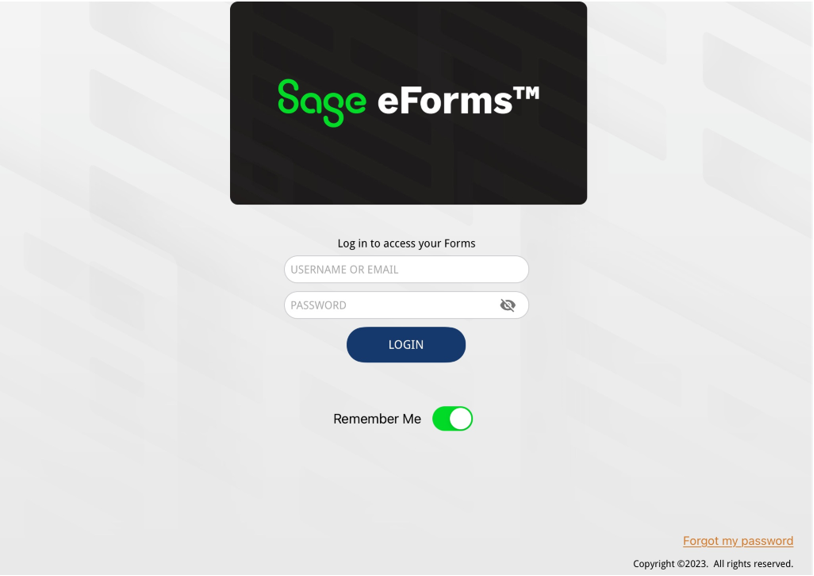
Note: Contact your Network Administrator to get your user name and password.
4.In the Email field, enter your email address.
5.In the Password field, enter the associated password.
6.Click CONTINUE.
The login page will redisplay with the Select Client field visible similar to the following:
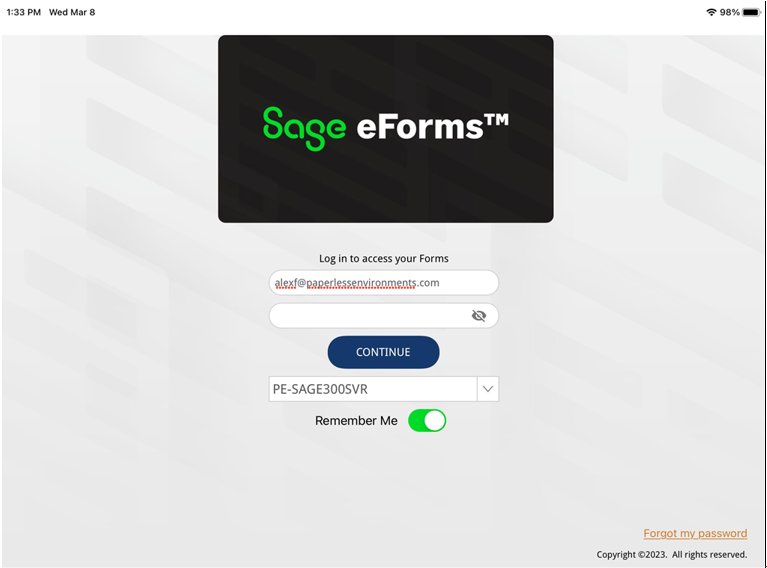
7.If your company has multiple clients, use the field dropdown arrow to display the list.
8.Select the applicable client.
9.Click CONTINUE.
The main page similar to the following displays with the Select Vault text box visible:
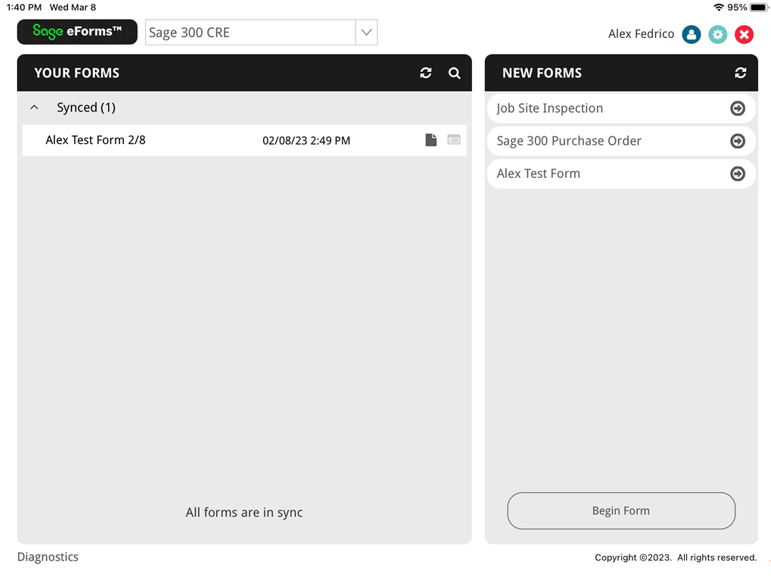
For details on how a user navigates through the eForms™ app, click here.