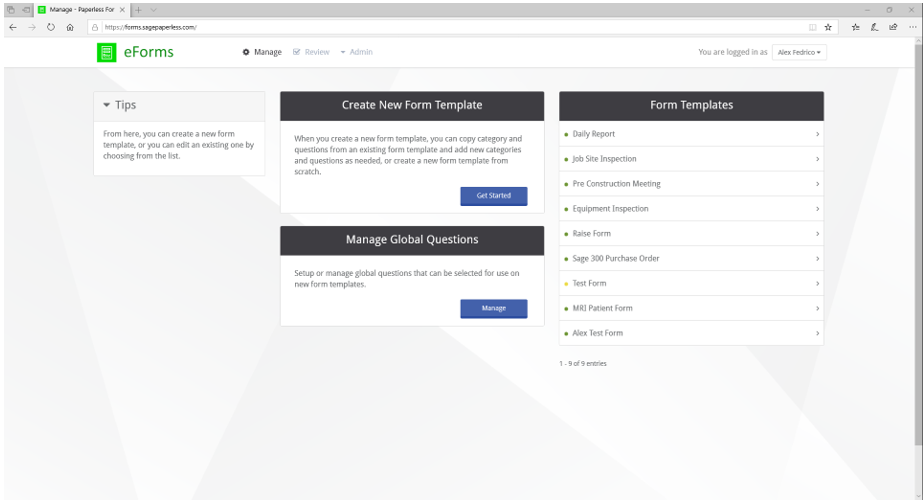
Click the Manage tab to open the Manage page. This page also displays by default when logging into the eForms™ application. The Manage page is divided into three sections:
•Create new templates. Create New Template
•Manage global fields. Manage Global Fields
•Customize existing templates. Edit a Template