To use eForms, you must first download the application from the Apple App Store for iPhones and iPads, or from the Google Play store for Android phones and tablets. The app has the following icon:

Once you have downloaded the app and your administrator has assigned you the proper permissions, you can log in to eForms:
1.Open the Paperless eForms application and enter your email address.
Note: Screen size and layout may be different depending on whether you are using a phone or table, but the app's functionality is the same across devices.
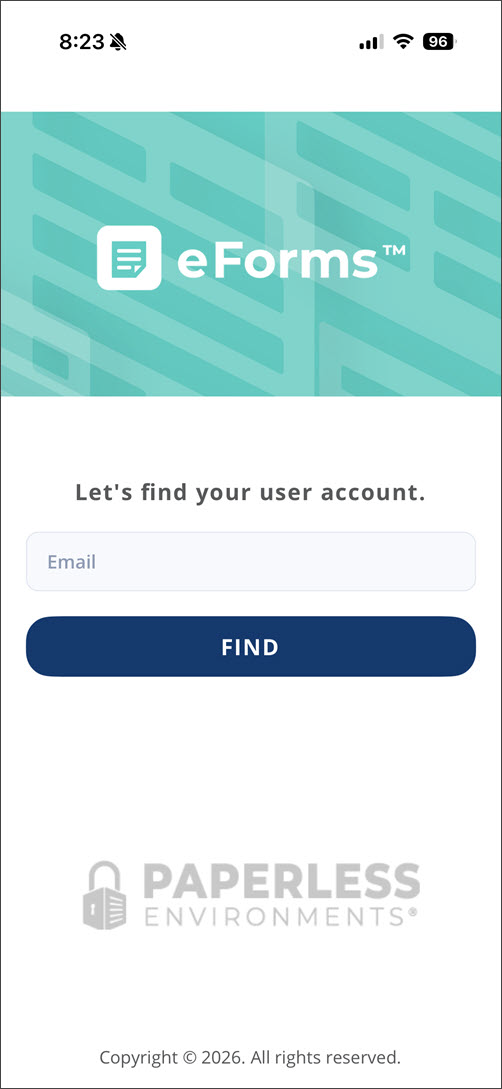
2.Click Find.
3.In the Password field, enter the associated password.
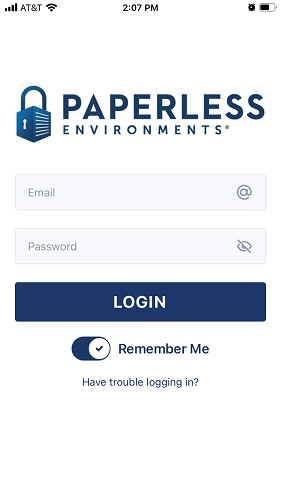
4.(Optional) Click Forgot my password to generate an email link for resetting a forgotten password.
5.Click Login.
6.If your company has multiple clients, select the applicable client from the CLIENT dropdown.
7.Click CONTINUE.
8.From the Vault dropdown, select the vault you want your eForm reports and files to sync to.
9.Click CONTINUE.
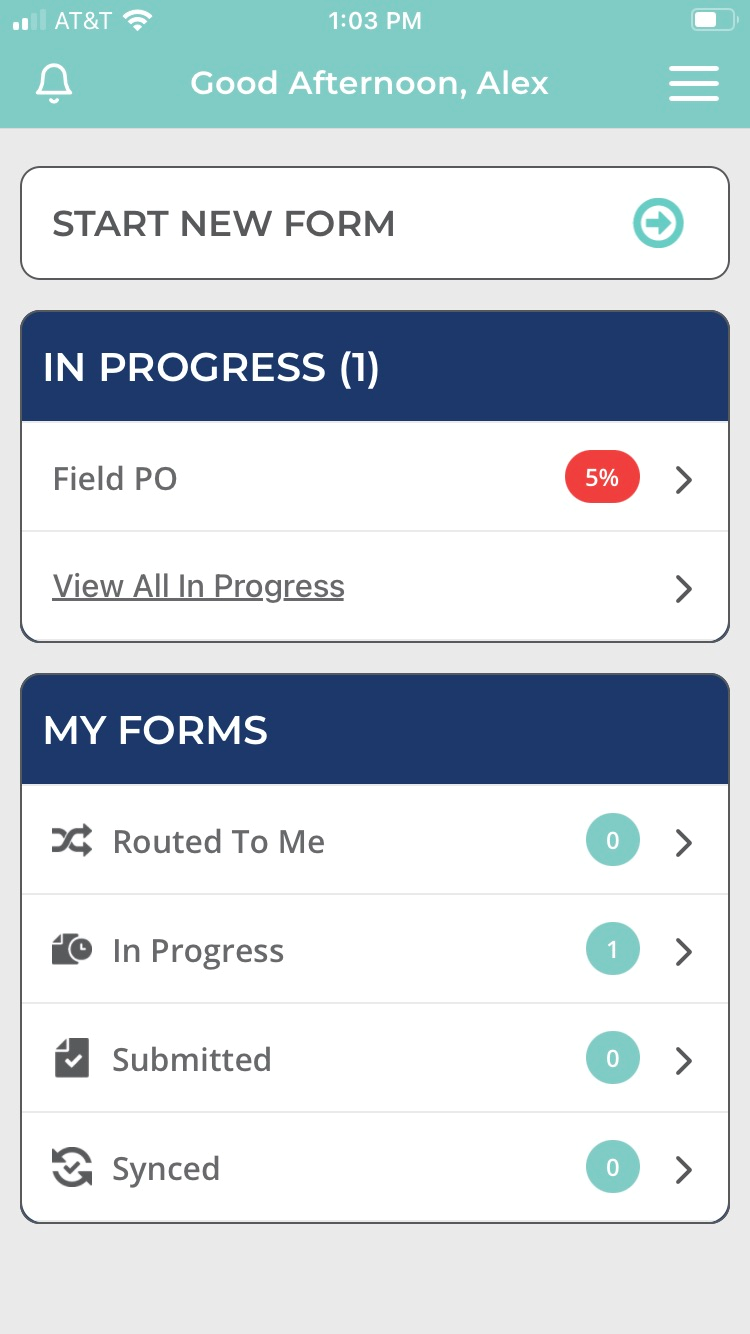
The Main Menu screen displays: