Once a waiver form is generated, you have the option to edit the lien waiver information from both the Job and Vendor Lien Waiver tabs.
1.From the ribbon toolbar, click Greenlight™.
2.Click Greenlight.
The main screen displays with the Dashboard tab active:
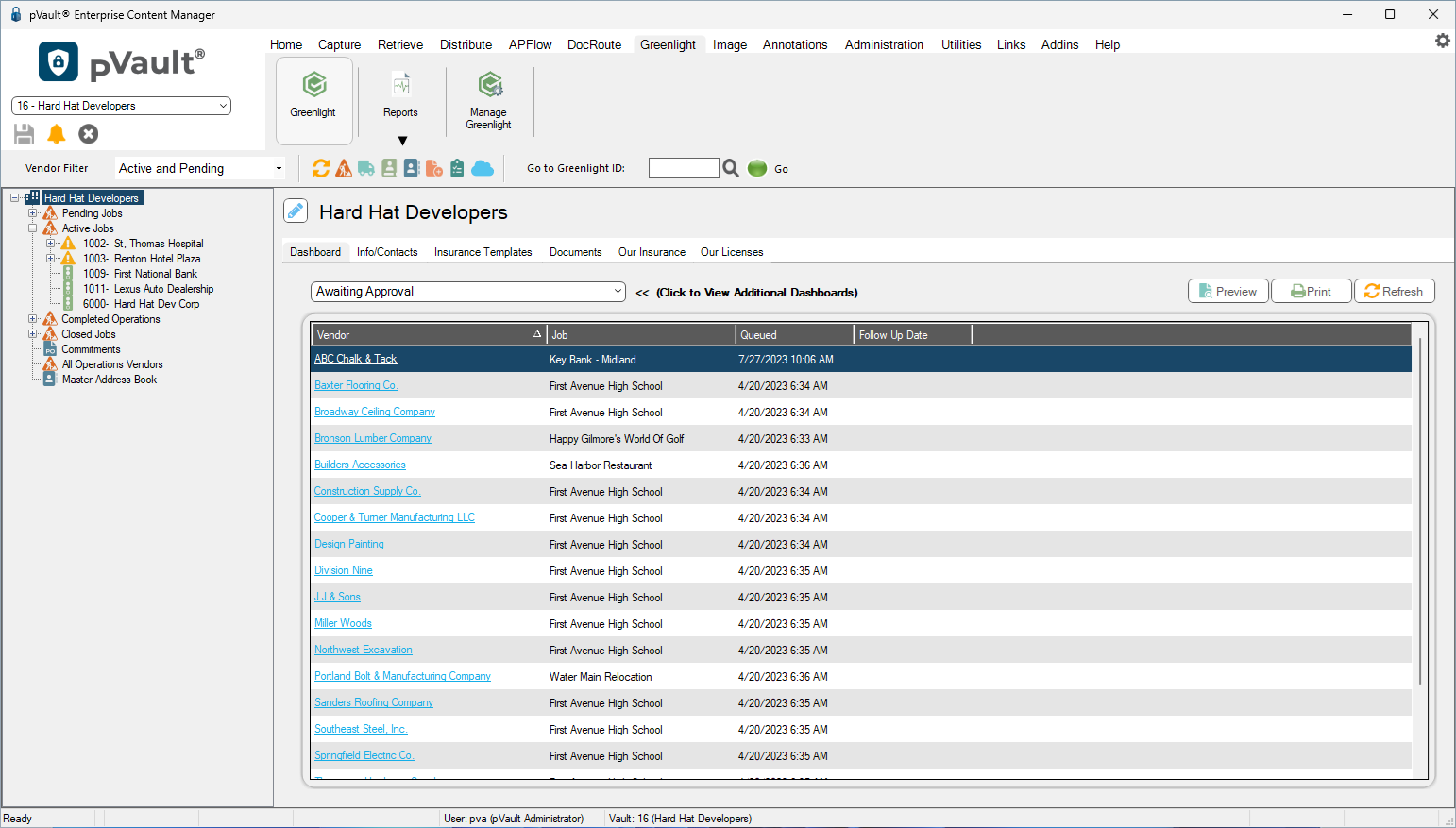
3.In the left navigation bar, click on a vendor.
The following screen displays with the Vendor Info tab active:
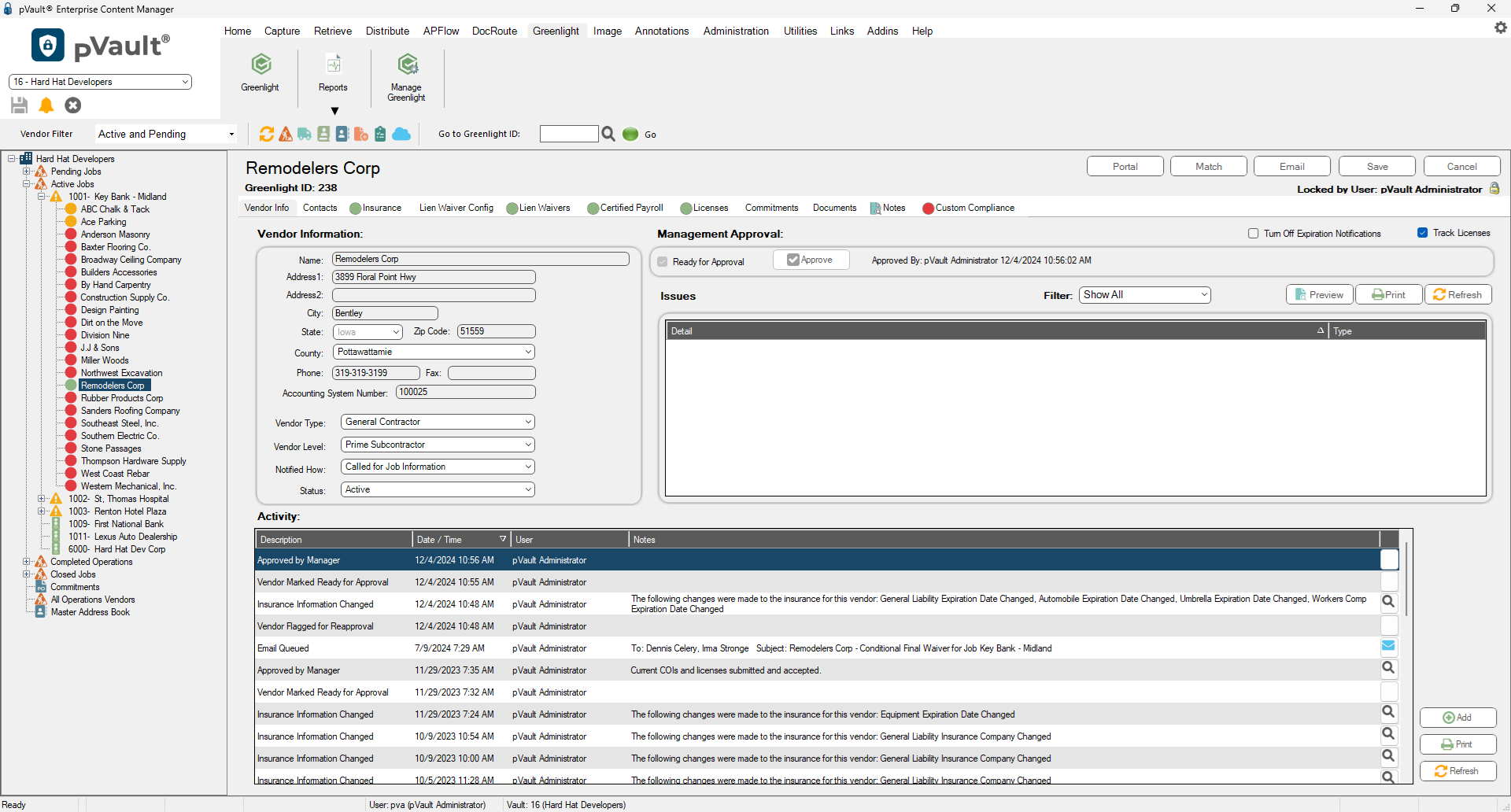
4.Click the Lien Waivers tab.
The following screen displays:
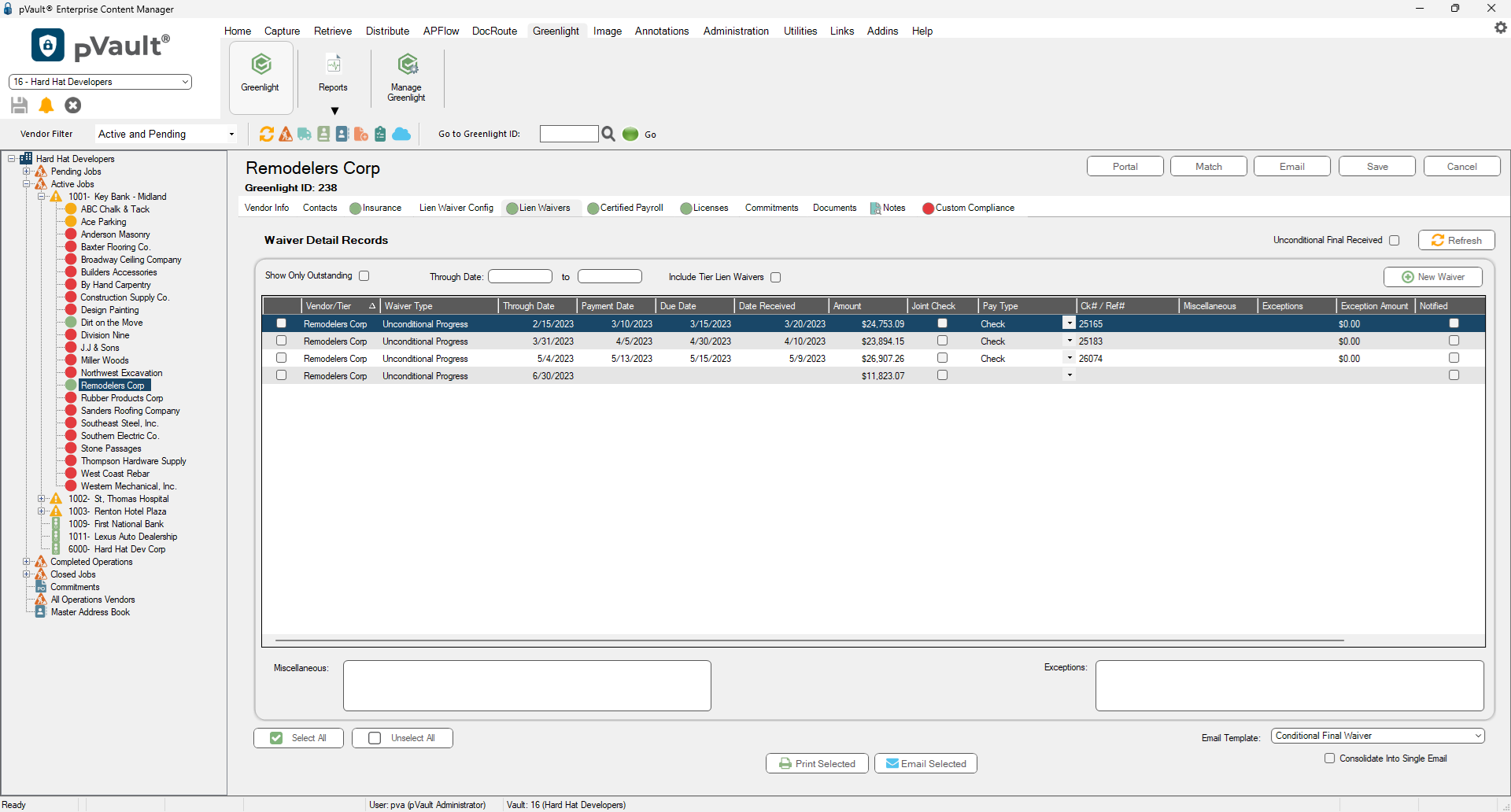
The Lien Waiver tab displays every generated lien waiver form for a given job (Job screen) or a given vendor (Vendor screen).
5.Click the column header to arrange the entries in alphabetical order.