pVault® employs a special "listing" or "inbox" of non-indexed documents called a “Queue”. Queues can be assigned to individual users or to groups of users for gathering and routing documents for further processing.
Think of a queue as a temporary space for unprocessed documents. This is like placing a document on someone's desk. You would place the document in their queue for processing. Invoices are placed in the APFlow™ queue of a Processor. Documents are placed in the queue of the individual who is responsible for reviewing and indexing them.
1.From the ribbon toolbar, click Administration.
2.Click Queues.
The dropdown resembles the following:
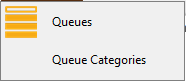
3.From the dropdown, click Queues.
A Queues dialog similar to the following displays:
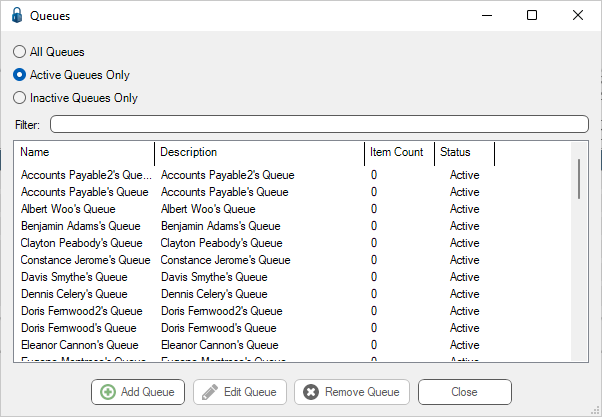
Note that there is a Filter text field where you can start to enter a queue to narrow the list.
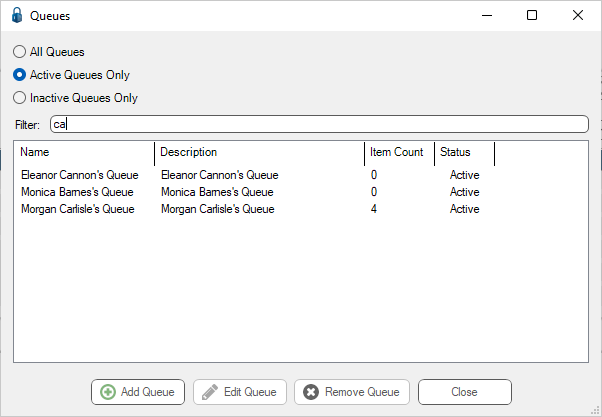
4.Start typing in the Filter field to narrow the list similar to the following: