Trouble Saving a New Job
1.Click Save.
The following Add Job prompt displays:
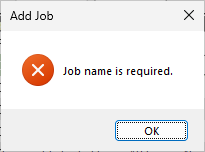
This means that a job name needs to be entered in the General tab, Job Name field.
2.Click OK to close the prompt dialog.
3.Click the General tab.
4.Enter a name in the Job Name field.
5.Click the Configuration tab.
6.Click Save again.
The following prompt displays:
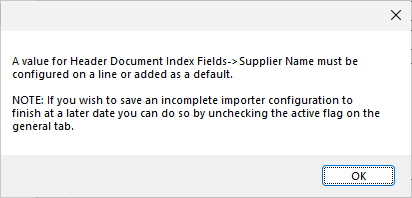
This prompt means that to save an incomplete job, it cannot be Active.
7.Click OK to close the prompt.
8.Click the General tab.
9.Uncheck the Active check box.
10. Click the Configuration tab.
11. Click Save again.
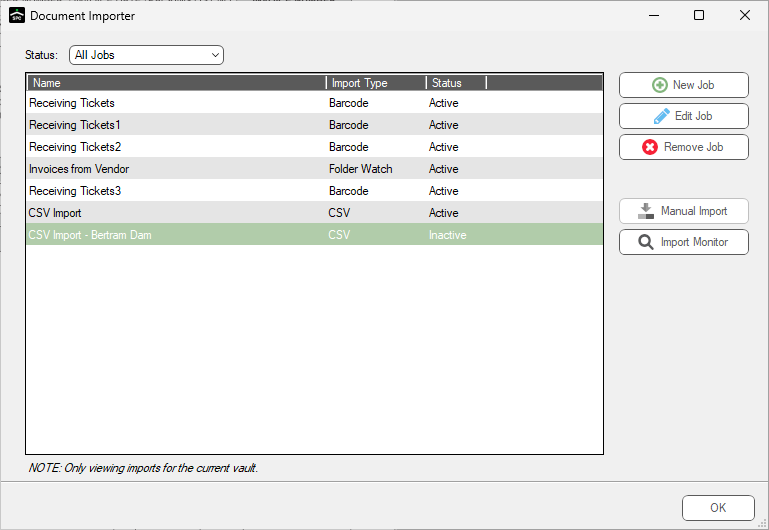
The job saves and display in the list of jobs, with a Status of Inactive.
The Document Importer dialog similar to the following displays: