If you set an alert on a contract that is up for renewal, you should receive an email or text notification when the document is viewed, modified or routed—keeping you informed without having to monitor it manually.
1.From the ribbon toolbar, click the Alert icon.
The Document Alerts dialog displays:
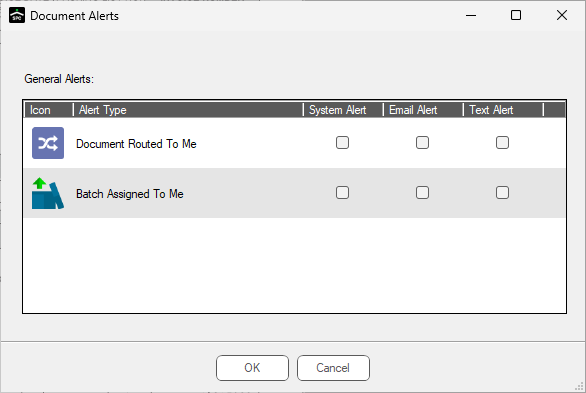
Notice that this dialog is blank.
2.Open a document to be alerted on.
3.Re-click the Alert icon.
A more robust Document Alerts dialog displays:
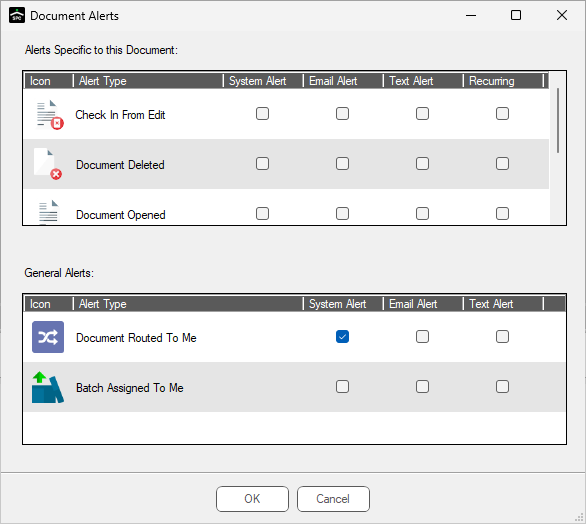
4.For the current document, select which alert types should be alerted on and by which method (email, text).
Note: System alerts display in the alerts square on the My Paperless Page.
Alert email addresses and text numbers are set up in User Settings. Read more about where to enter this information by clicking here.
5.After making selections, click OK.