When emailing documents out of Sage Paperless Construction, users can set the default format (PDF or Tiff) and color (B&W, Grayscale, Color, Default) that they want the email attachment to be.
1.From the ribbon toolbar, click Home.
2.Click User Settings.
The User Settings dialog displays with the General tab active:
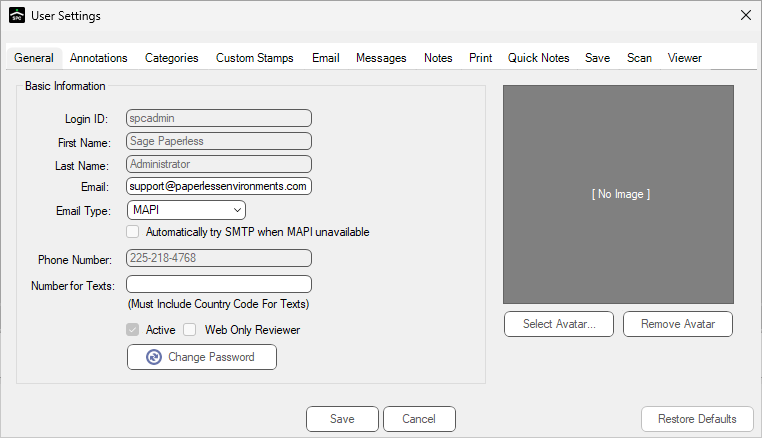
3.Click the Email tab.
The following dialog displays:
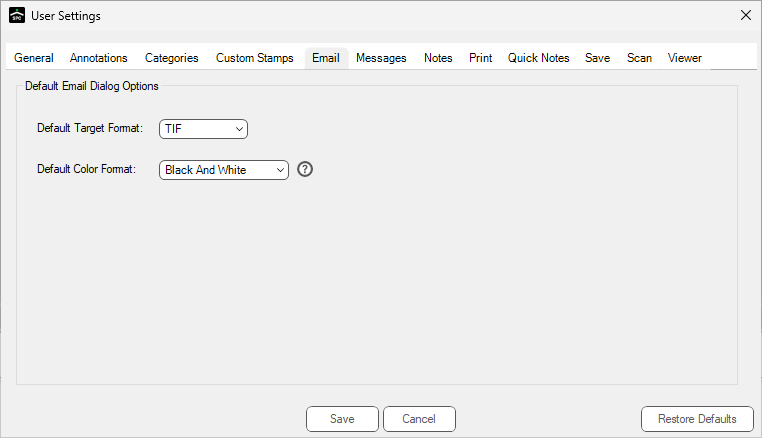
4.Determine the following attributes for email attachments:
❖ Default Target Format (PDF or TIF)
❖ Default Color Format (Black And White, Grayscale, Color, Default)