The Enable Full Text Searching is directly connected to the Advanced Search Keyword Search text box in the left pane of the Search Utility screen.
1.From the ribbon toolbar, click Administration.
2.Click Enable Full Text Searching.
Important: After clicking, this icon no longer displays in the Administration tab toolbar.
The Keyword Search text box now displays as part of the advanced search filtering options. The Search Utility screen resembles the following:
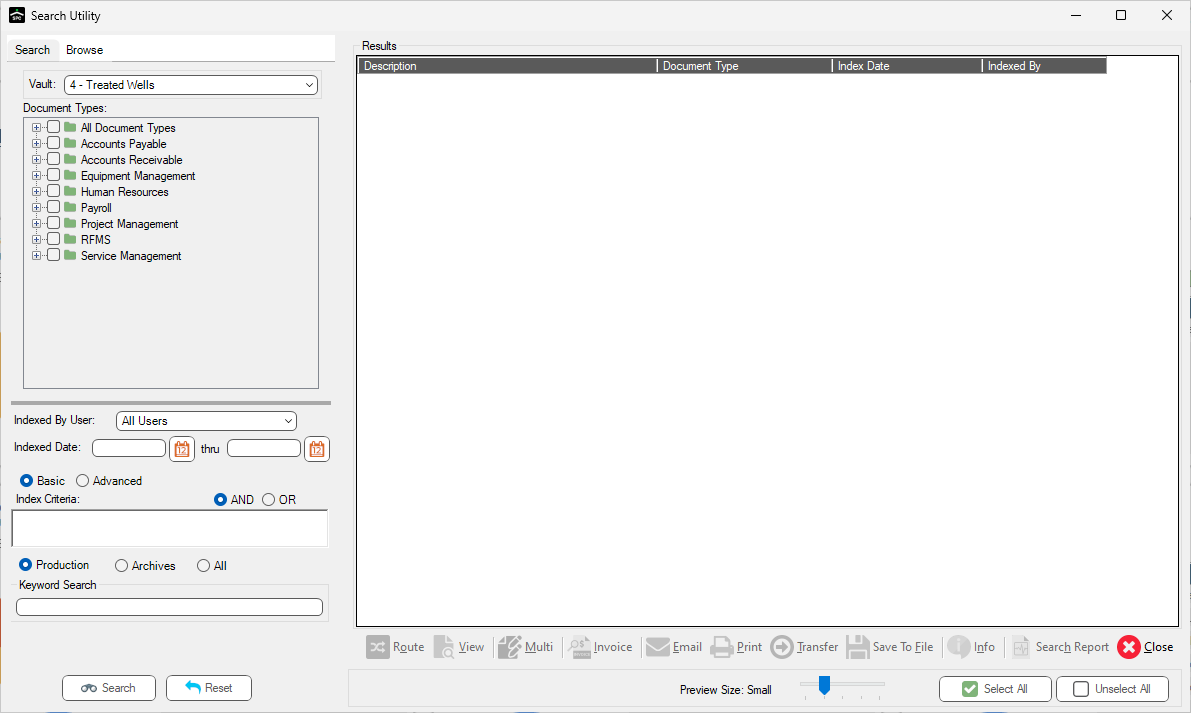
The Keyword Search text box only displays if the Enable Full Text Searching icon was clicked on the Administration tab toolbar.
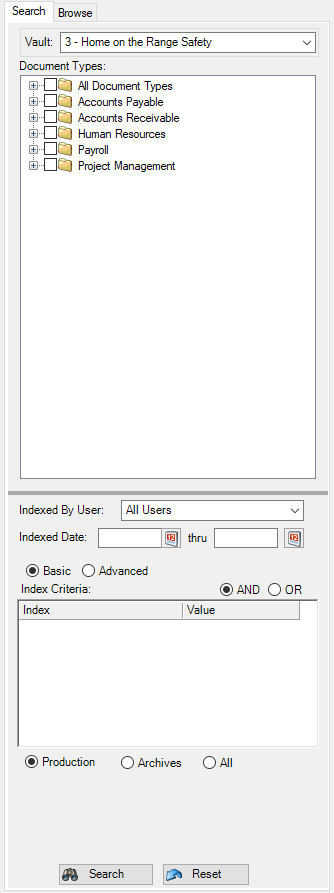
If this icon is not clicked, and remains visible on the Administration tab toolbar, the Advanced Search filtering options area of the Search Utility dialog, Search tab, resembles the following:
For details on the Keyword Search functionality, click here.