Go here to change the default font when adding notes within Sage Paperless Construction.
1.From the ribbon toolbar, click Home.
2.Click User Settings.
The User Settings dialog displays with the General tab active:
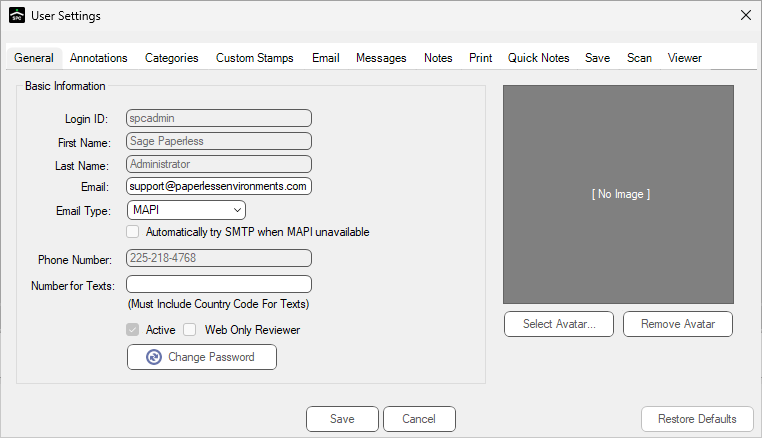
3.Click the Notes tab.
The following dialog displays:
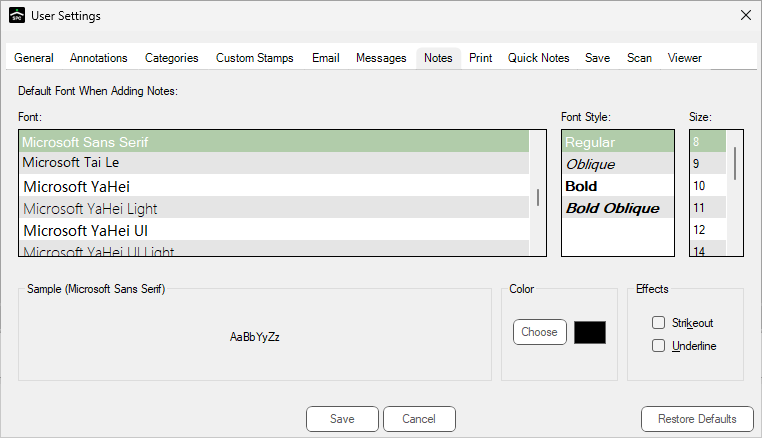
4.Change the font type, style, size and color.
Note: Settings on this dialog are configurable by user.
5.Click Save.