RESET PASSWORD - Single Web User
The Web Administrator can click the RESET PASSWORD button associated with a specific user.
1.Click RESET PASSWORD.
A confirmation prompt similar to the following displays:
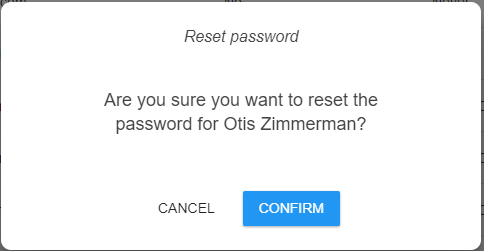
2.Click CONFIRM to complete the password reset.
A prompt similar to the following displays indicating that the password reset was successful:
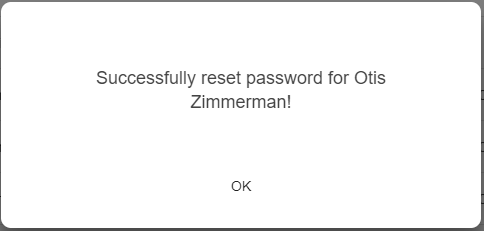
3.Click OK.
Web User Reset Password Steps
When the web user for whom the password was reset logs in, a login dialog similar to the following displays:
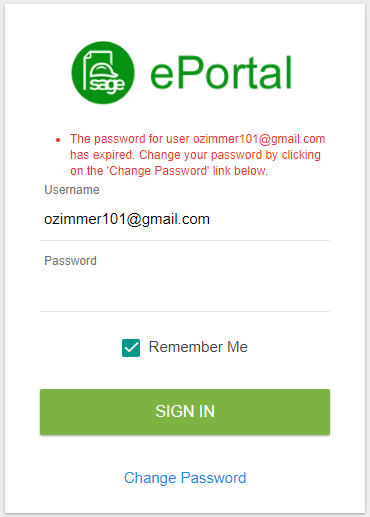
1.Click Change Password.
The following dialog displays:
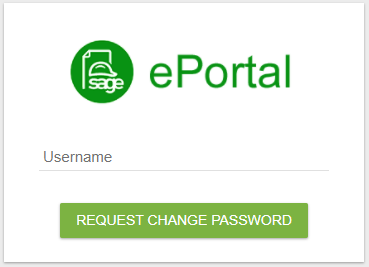
2.In the Username field, enter your web user name.
3.Click REQUEST CHANGE PASSWORD.
The following prompt displays:
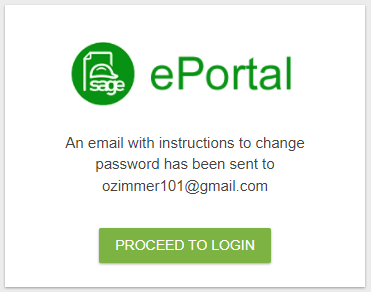
4.Go to your email to locate a similar email:

5.Open the email to view the following:
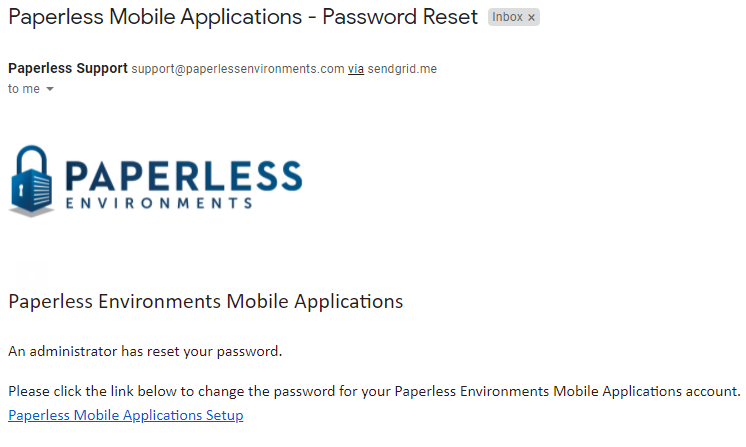
6.Click the Paperless Mobile Applications Setup link.
The following Reset Your Password dialog displays:
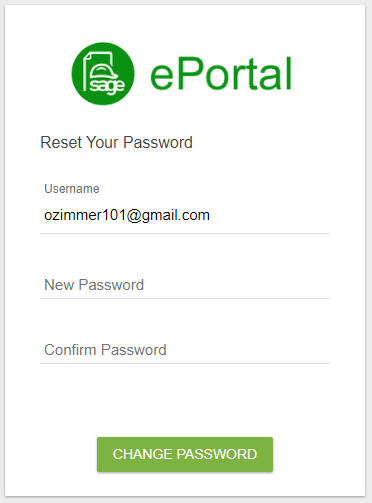
The Username field is system-populated.
7.Enter a new password in the New Password field.
8.Reenter the new password in the Confirm Password field.
9.Click CHANGE PASSWORD.
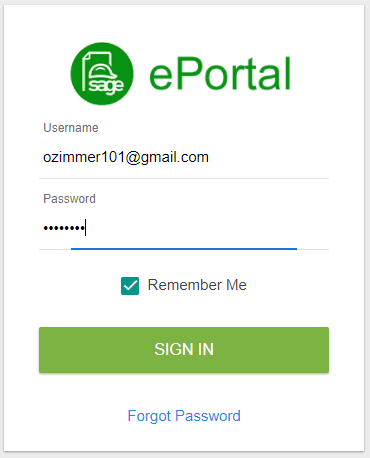
A new login dialog similar to the following displays:
RESET PASSWORD - All Web Users
The Web Administrator can click the RESET PASSWORD FOR ALL USERS button associated with a specific user.
1.Click RESET PASSWORD FOR ALL USERS.
A confirmation prompt similar to the following displays:
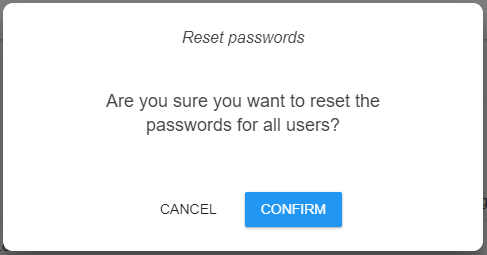
2.Click CONFIRM to complete the password reset.
Click CANCEL if the RESET PASSWORD FOR ALL USERS button was clicked in error.