The User Roles tab allows system administrators to set up company-defined roles (President, HR Manager, Safety Manager, etc.) and assign users to these roles.
Use these roles when configuring routing rules in both the APFlow™ and DocRoute™ modules.
When a person changes roles in the company or a person leaves the company and is replaced by a new user, system administrators only need to change the user assignment for that role in the vault settings instead of editing each routing rule to which the previous person was assigned.
1.From the ribbon toolbar, click Administration.
2.Click Vaults.
The Vaults dialog similar to the following displays:
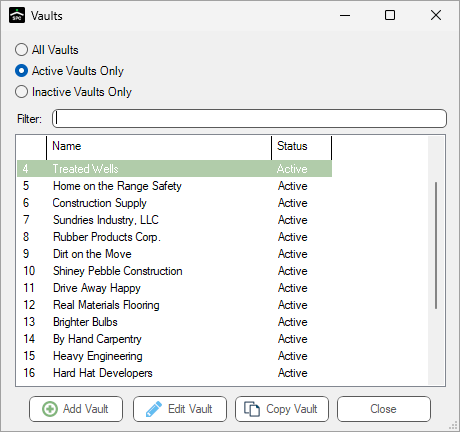
3.Click to highlight the vault, if necessary.
4.Click Edit Vault.
The Vault Properties dialog similar to the following displays with the General tab active:
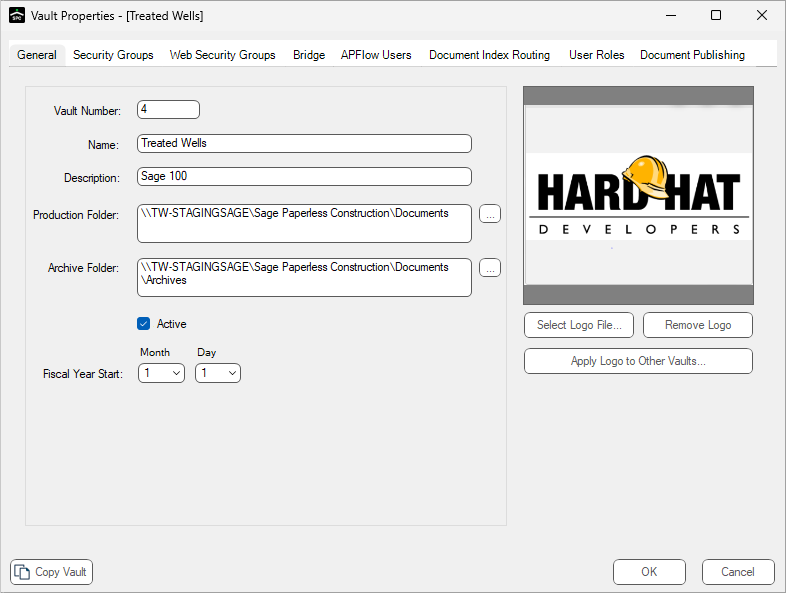
5.Click the User Roles tab.
The following dialog similar to the following displays:
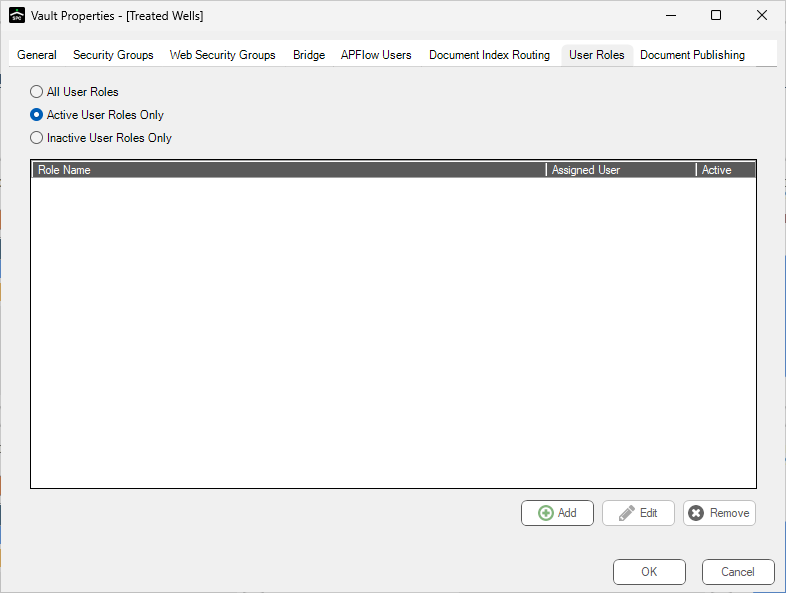
Click here for details on adding a user role.