Overview
Greenlight Compliance Manager™ (Greenlight CM™) brings workflow and automation to the construction industry's compliance process. Greenlight's functionality allows users to track certificates of insurance, contractor licenses, lien waivers, subcontracts and certified payrolls.
Greenlight CM™ enables you to:
Track |
•Insurance Certificates •Lien Waivers •Subcontracts •Certified Payrolls •Contractors Licenses •Unlimited Subcontractors •Unlimited Tiers |
Store |
•Unlimited Documents •Emails and Notifications |
Send and Receive |
•Automatic email notifications to all non-compliant vendors •Compliance reports |
Build Custom |
•Insurance Templates •Email Templates •User-defined Insurance Endorsements •User-defined Contractors License Types |
Imports and Updates |
•Commitments from accounting system •Contacts from accounting system •Vendors from accounting system |
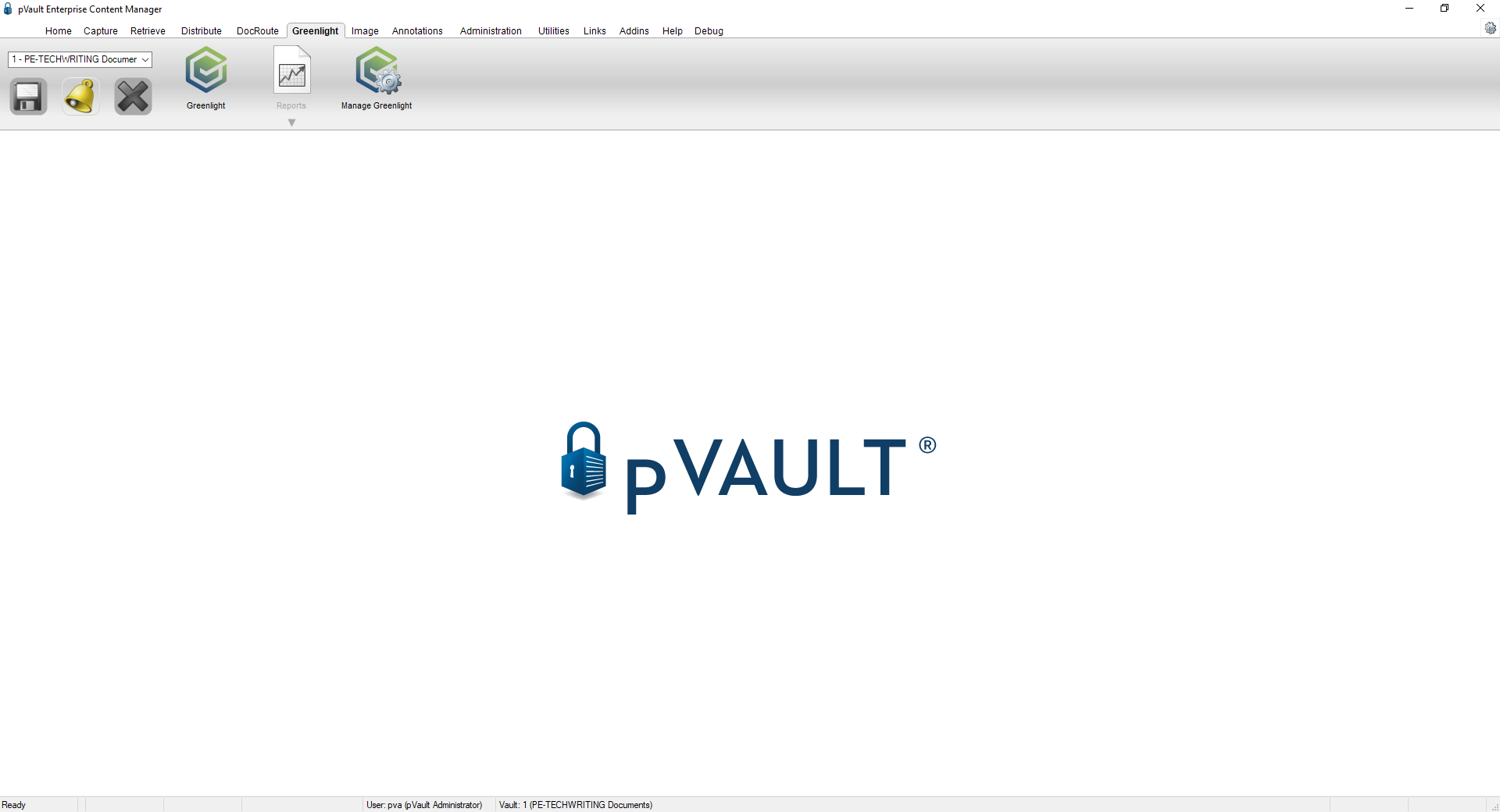
The Greenlight CM™ module enables pVault® users to track certificates of insurance, contractor's licenses, lien waivers, subcontracts and certified payrolls - all in a paperless environment. Compliance tracking ensures that your subcontractors are carrying the minimum policy and endorsement requirements for your projects. You can also determine expiration dates at a glance! This is the same for vendors and their insurance as well.
Note: To close out of the Greenlight CM™ module and return to the pVault® Home screen, re-click the Greenlight CM™ icon.
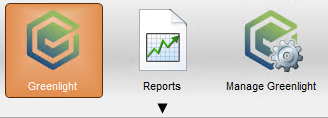
There are 3 Greenlight CM™ icons on the ribbon toolbar:
•Greenlight CM™
•Reports
•Manage Greenlight CM™
There are different levels within the Greenlight CM™ module:
•Company
•Job
•Vendor/Subcontractor
Depending on your access permissions and which level (company, job, vendor) you are currently in determines what tasks you can perform.
•Click here for Manage Greenlight CM™.
•Click here for Greenlight CM™ Reports.
•Click here for toolbar details.
•Click here for company level screen layout specifics.
•Click here for job level specifics.
•Click here for vendor/subcontractor specifics.