In Vista
1.From the Main Menu navigation screen, click Accounts Payable in the left navigation bar.
2.Click Programs.
3.In the Forms listing, double click AP Transaction Entry.
The Batch Selection dialog displays similar to the following:
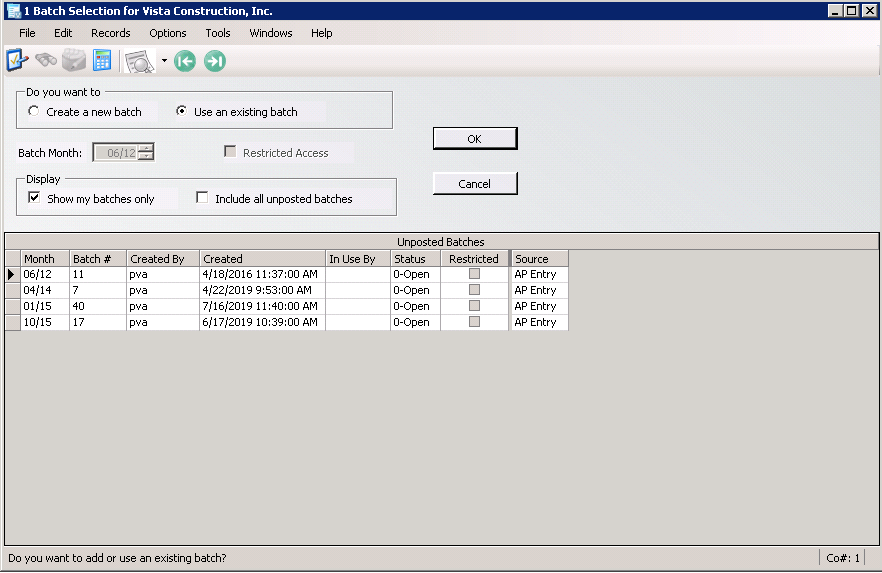
4.Click Create a new batch.
5.Change the Batch Month field as appropriate.
6.Click OK.
The AP Transaction Entry Detail dialog similar to the following displays with the Info tab active:
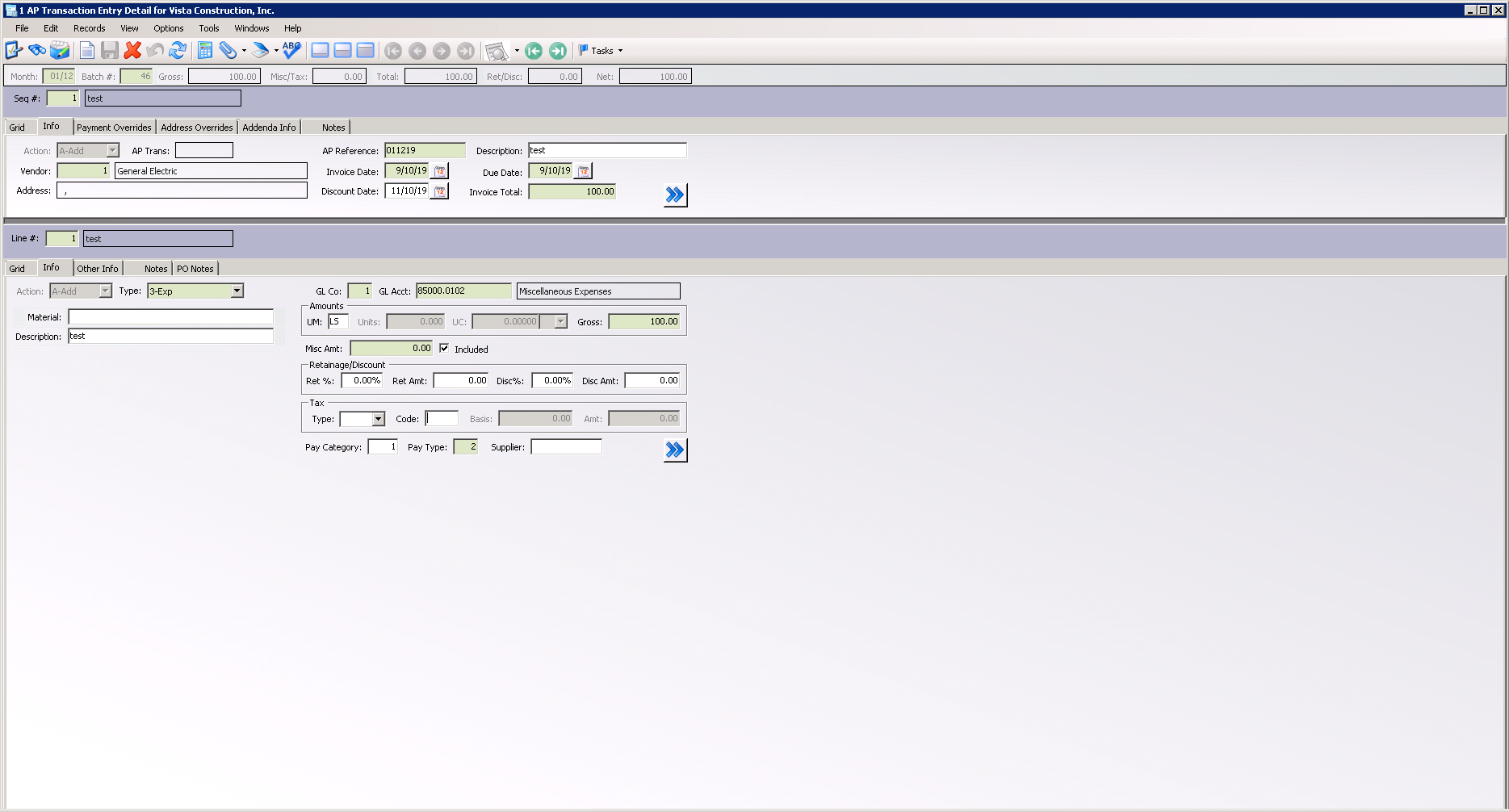
7.Click Save.
8.Click the Payment Overrides tab.
The dialog resembles the following:
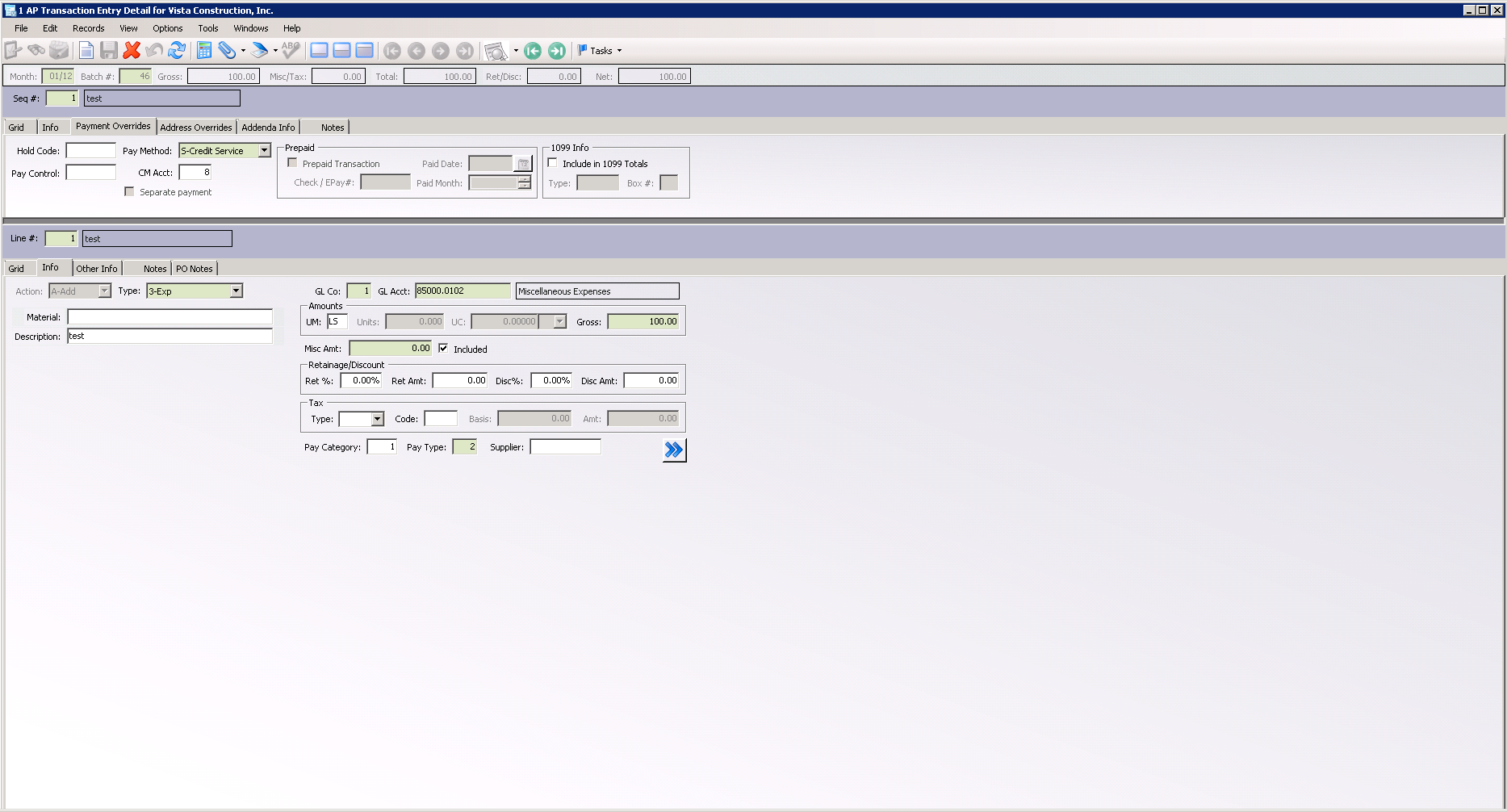
9.In the Pay Method field, from the dropdown list, select C-Check.
10. Click Save.
11. On the AP Payment Posting Detail dialog toolbar, click File.
12. From the dropdown menu, click Process Batch.
The AP Batch Process dialog similar to the following displays:
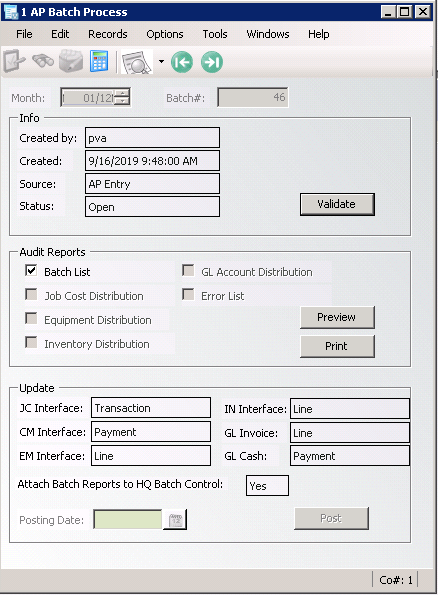
13. Click Validate.
The Status field changes from Open to Validated.
14. Click Post.
The following prompt displays:
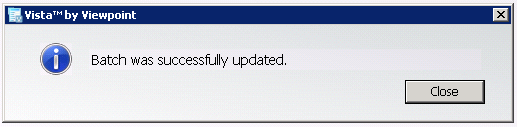
15. Click Close.