In Vista
1.From the Main Menu navigation screen, click Payroll in the left navigation bar.
2.Click Programs.
3.In the Forms listing, double click PR Pay Period Control.
The PR Pay Period Control dialog similar to the following displays:
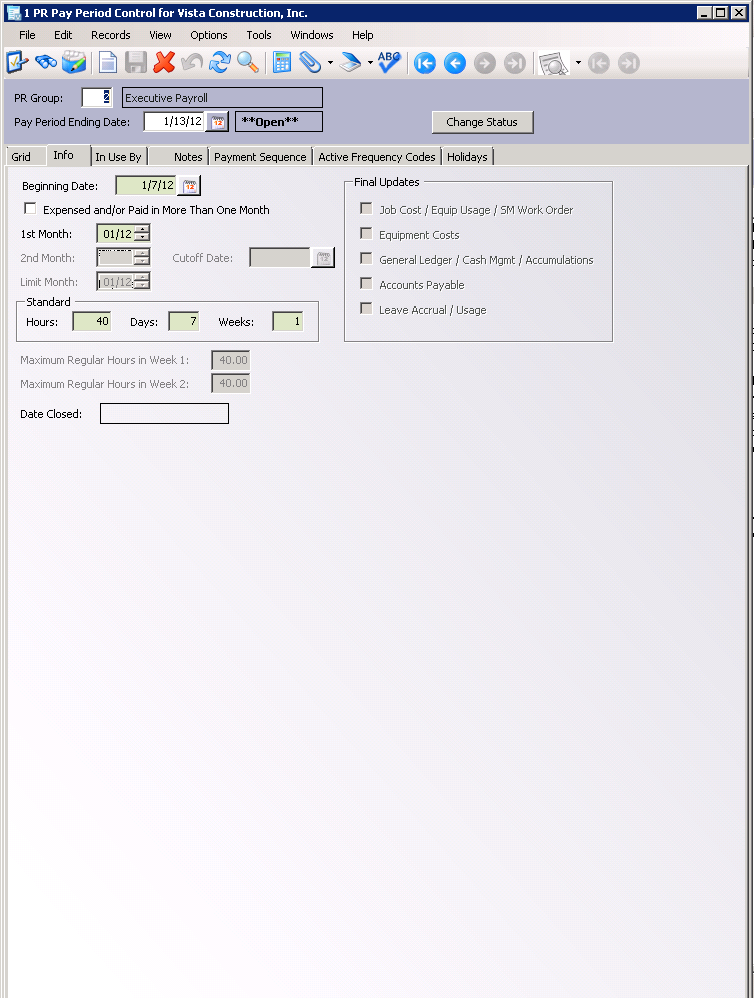
4.Click Change Status.
The following prompt displays:
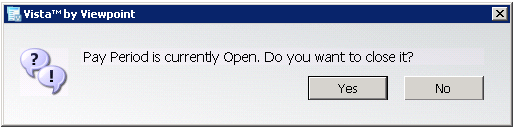
5.Click Yes.
The following prompt displays:
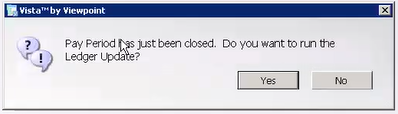
6.Click Yes.
The PR Ledger Update dialog similar to the following displays:
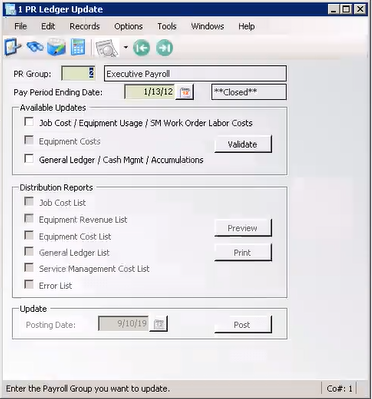
7.Click to select Job Cost / Equipment Usage / SM Work Order Labor Costs.
8.Click to select General Ledger / Cash Mgmt / Accumulations.
9.Click Validate.
10.Click Post.
The following prompt displays:
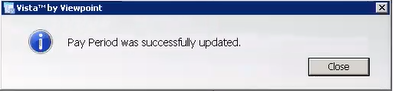
11.Click Close.
In pVault®
1.From the ribbon toolbar, click Retrieve.
2.Click Search.
The Search Utility screen similar to the following displays with the Search tab active:
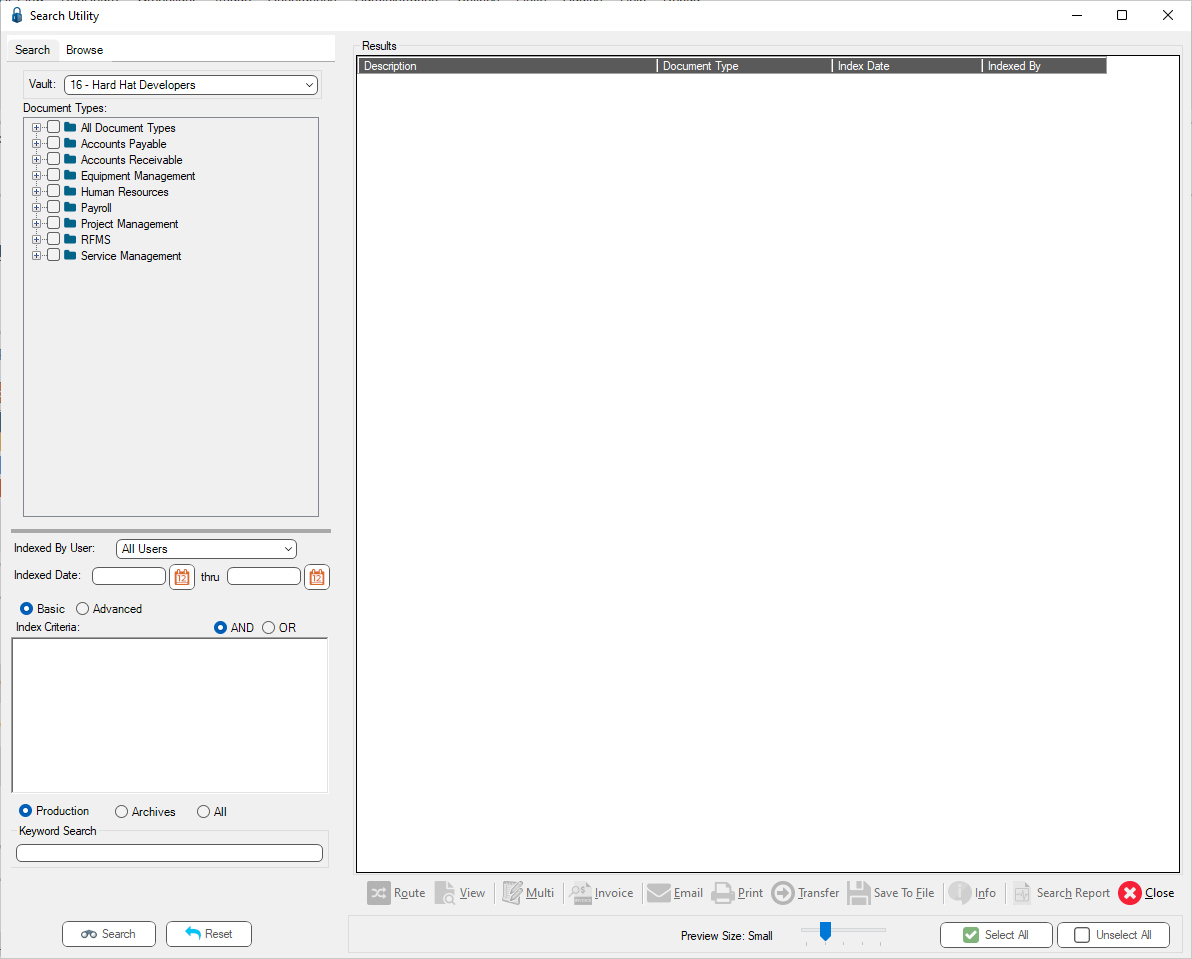
3.Click the All Document Types check box to select every document type.
4.In the Indexed Date field, click the calendar to select the date the batch was indexed.
5.Click Search.
Two PR Ledger Update reports are listed similar to the following:
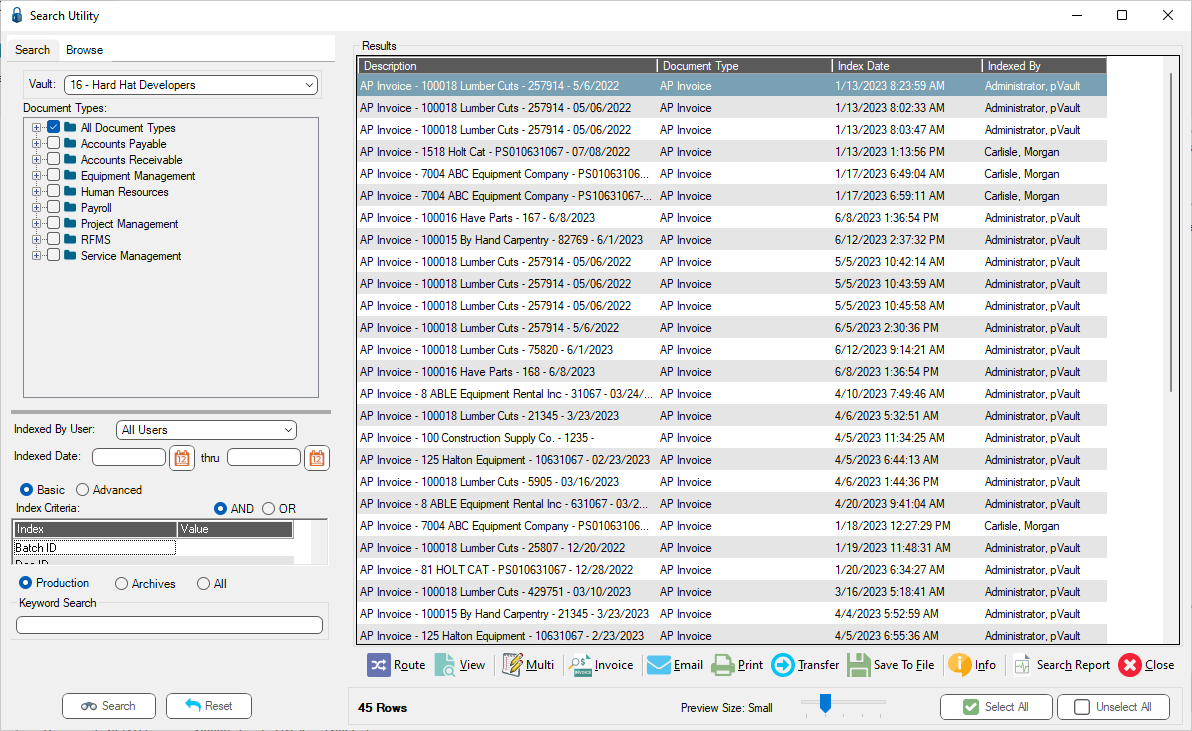
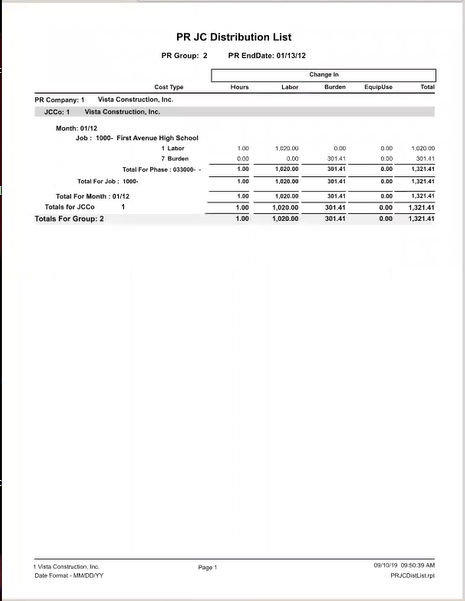
6.Click the first entry. This is the PR Job Cost List.
The report resembles the following:
7.Close the report.
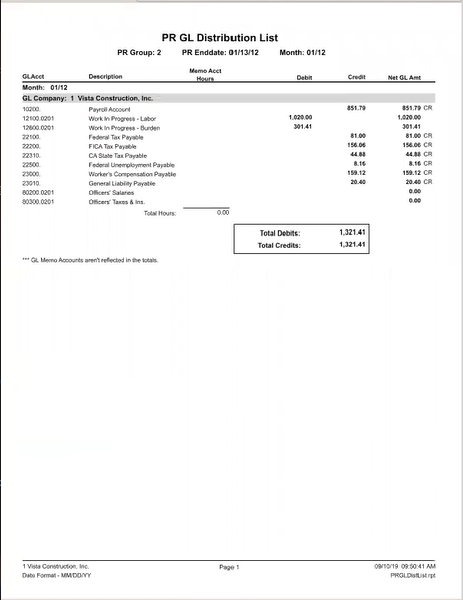
8.Click the second report. This is the PR GL Distribution List.
The report resembles the following:
9.Close the report.