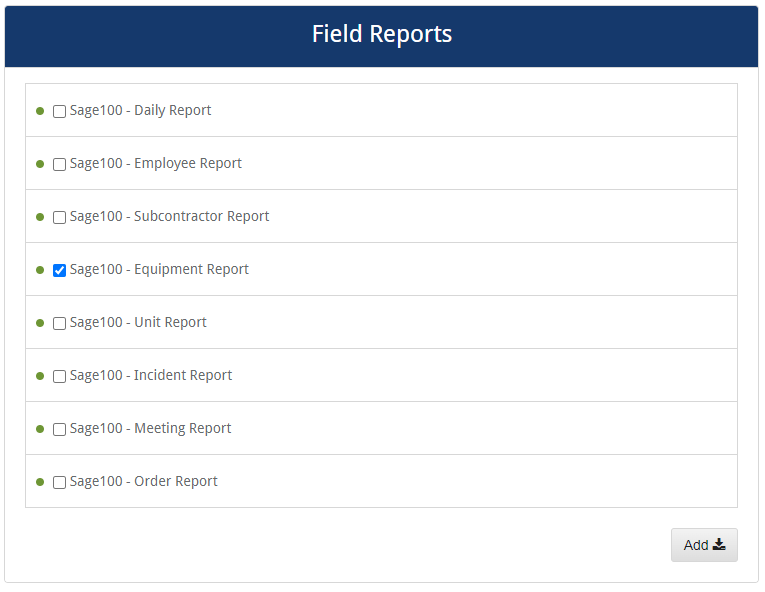
The following is a list of all the reports available when integrating with a Sage 100 accounting system:
Errors
When an error occurs, a message similar to the following displays:
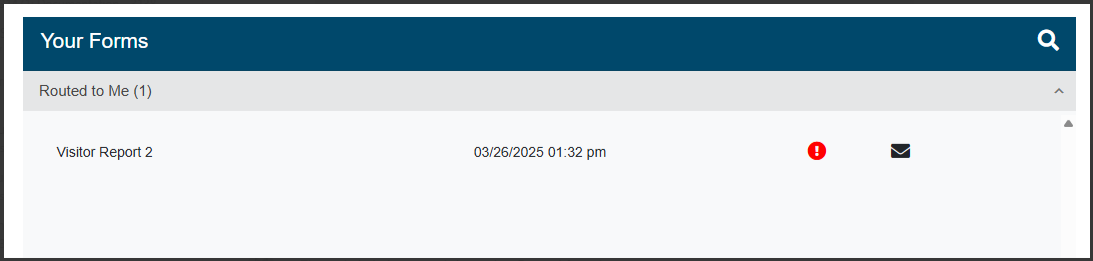
Click the red circle icon to view a tool tip indicating that the routed form contains sync errors.
Open the form and look for the visual indicators identifying where errors exist.
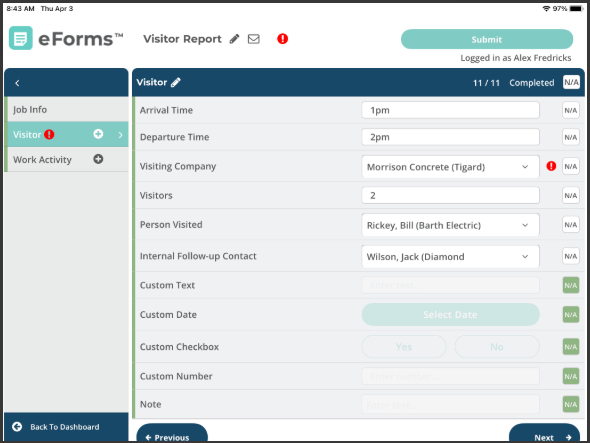
When you click the error on the question, the specific error message displays.
Fix the error(s) and then re-route the form as appropriate.