Important: Requires Supervisor permission.

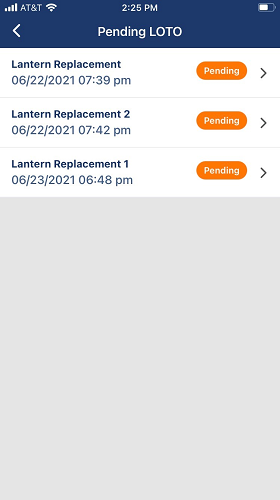
Any Pending LOTO entries for which you have permission to approve by signature displays similar to the following:
If you have a pending LOTO that requires a signature, the following message displays:
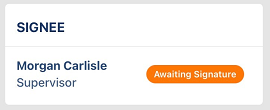
Click Awaiting Signature.
The following screen displays:
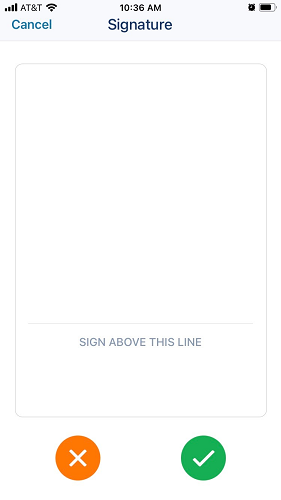
A finger signature is all that is necessary in the text box. Then click the green circle checkmark.
This changes this LOTO event from Pending to Active. The LOTO is not approved.