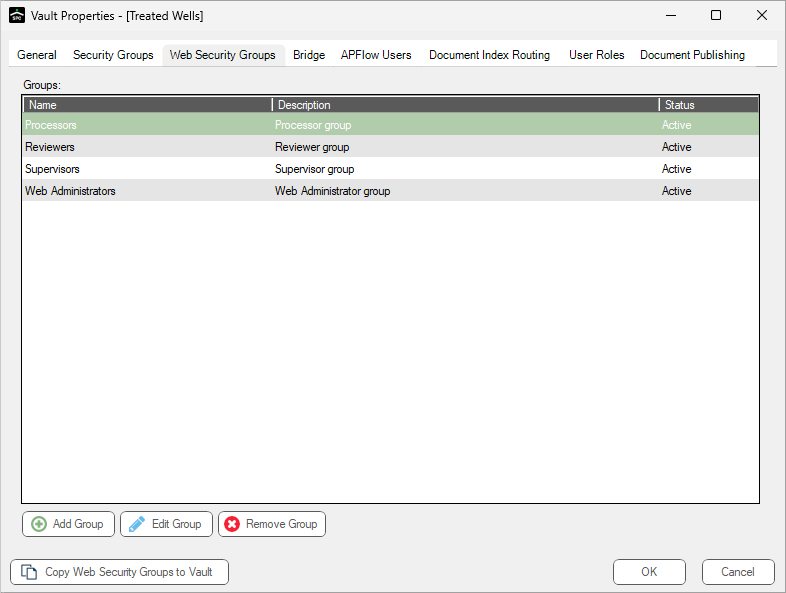
1. On the Vault Properties dialog, Web Security Group tab, click Add Group.
The first Create Web Security Group wizard dialog displays:
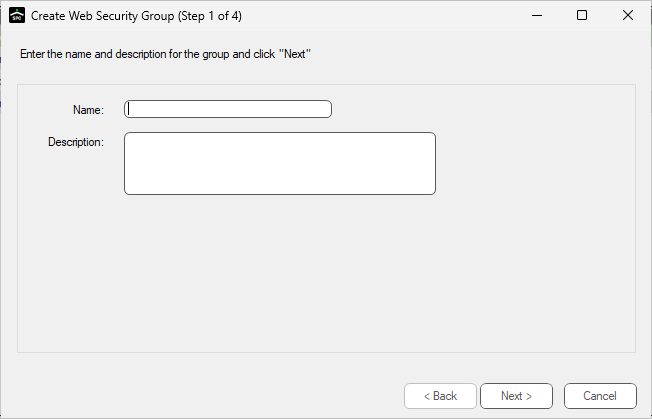
2.In the Name field, type a name for the security group.
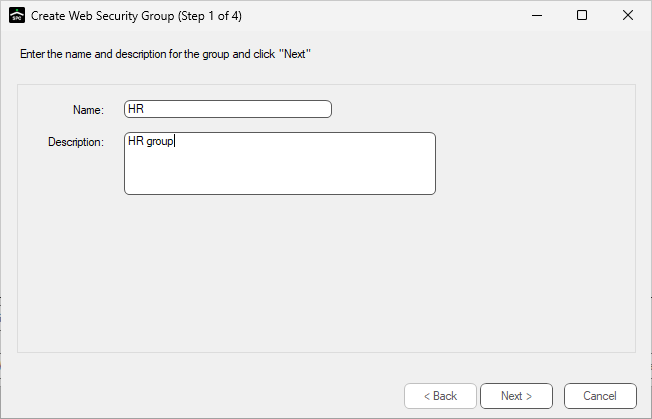
3.In the Description field, type a corresponding description that helps identify the new web security group.
This is a required field.
The dialog should resemble the following:
4.Click Next. For the next wizard dialog details, click here.