Web Security Groups assign document security rights to web users of Sage Paperless Construction. Web Security Groups are used to determine what document types users can access from various web apps that interact with the Sage Paperless Construction on-premise system.
Adding a Web Security Group
1.From the ribbon toolbar, click Administration.
2.Click Vaults.
A Vaults dialog similar to the following displays:
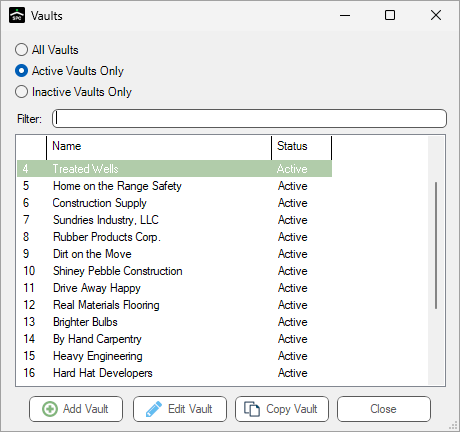
Note: The Active Vaults Only list is the default.
3.Click to highlight the vault for which the Web Security Group is being added or modified, if necessary.
4.Click Edit Vault.
The Vault Properties dialog similar to the following displays with the General tab active:
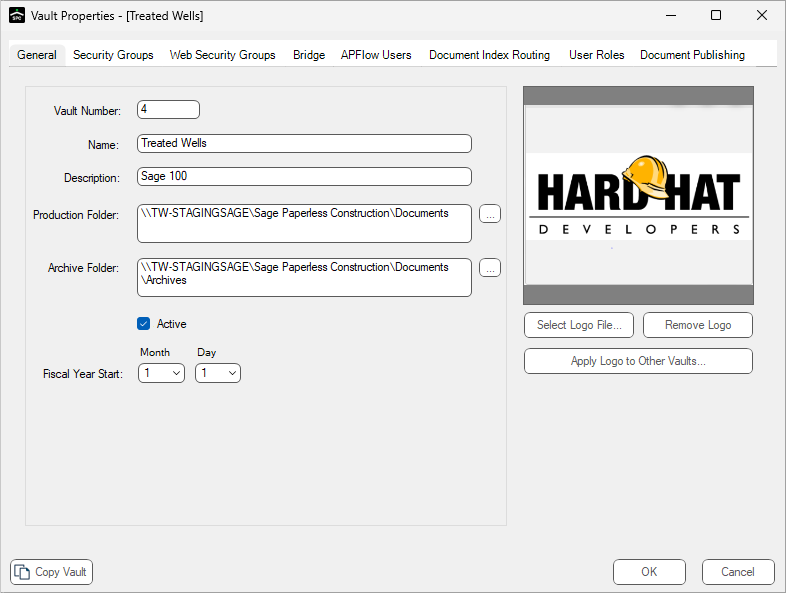
5.Click the Web Security Groups tab.
The dialog similar to the following displays:
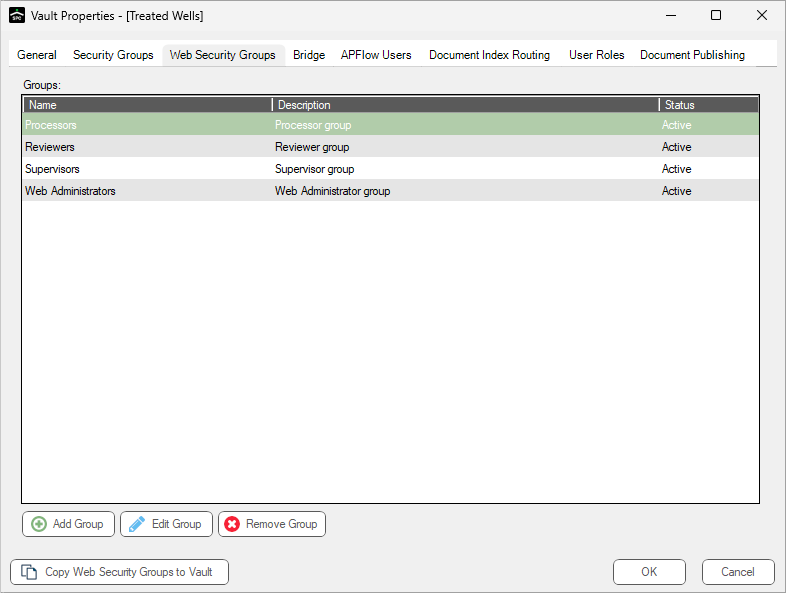
6.Click Add Group. See Create Web Security Group, Wizard dialog 1 for details.