You can add customized, ranked lists with an associated rank or strength order as a validation type for Custom Compliance rules. These user-defined lists enable you to track the actual value, ranked in a specific order with the ability to compliance check against them.
1.From the ribbon toolbar, click Greenlight.
2.Click Manage Greenlight.
The Manage Greenlight screen displays with the Users tab active.
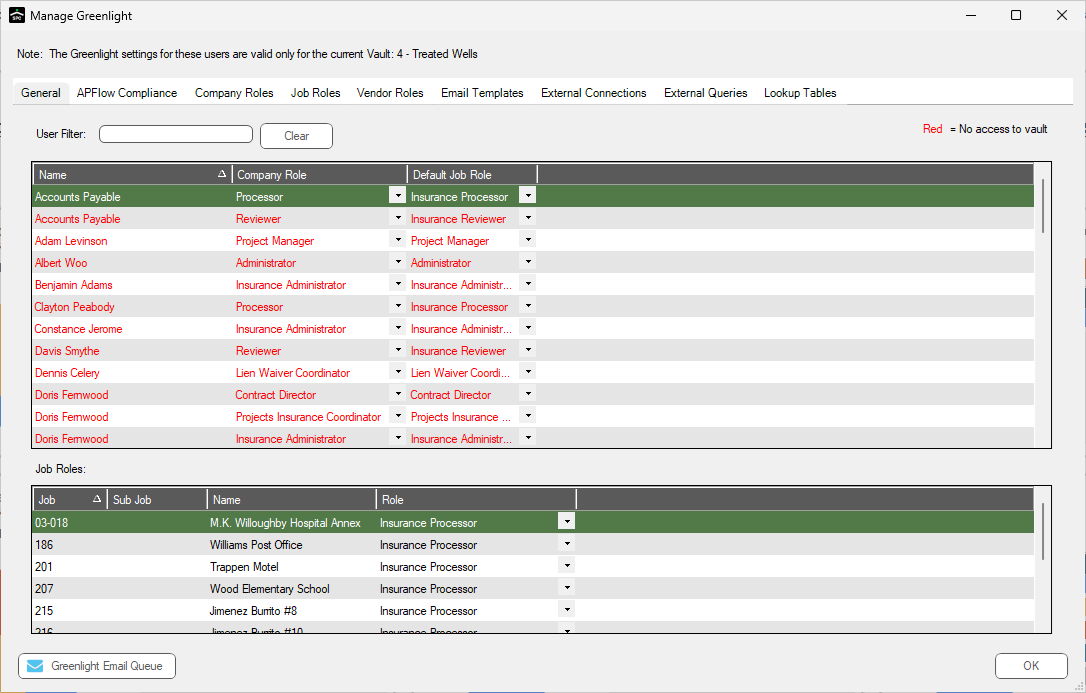
3.Click the Company Lookup Tables.
The following screen displays:
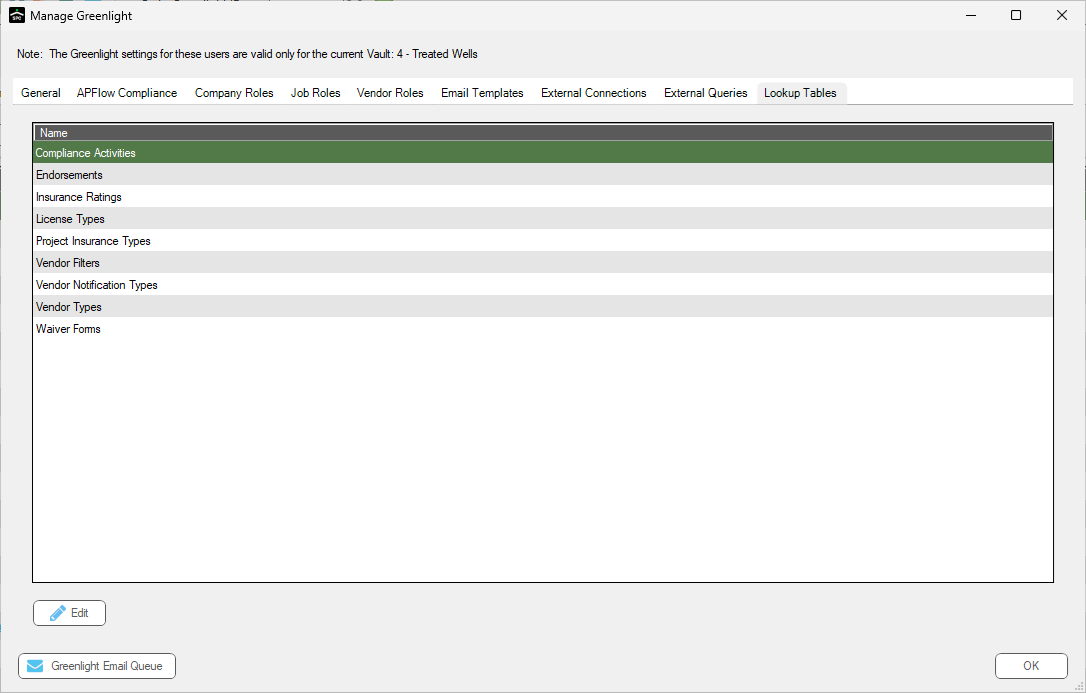
4.Click Custom Compliance Ranked Lists.
The following screen displays:
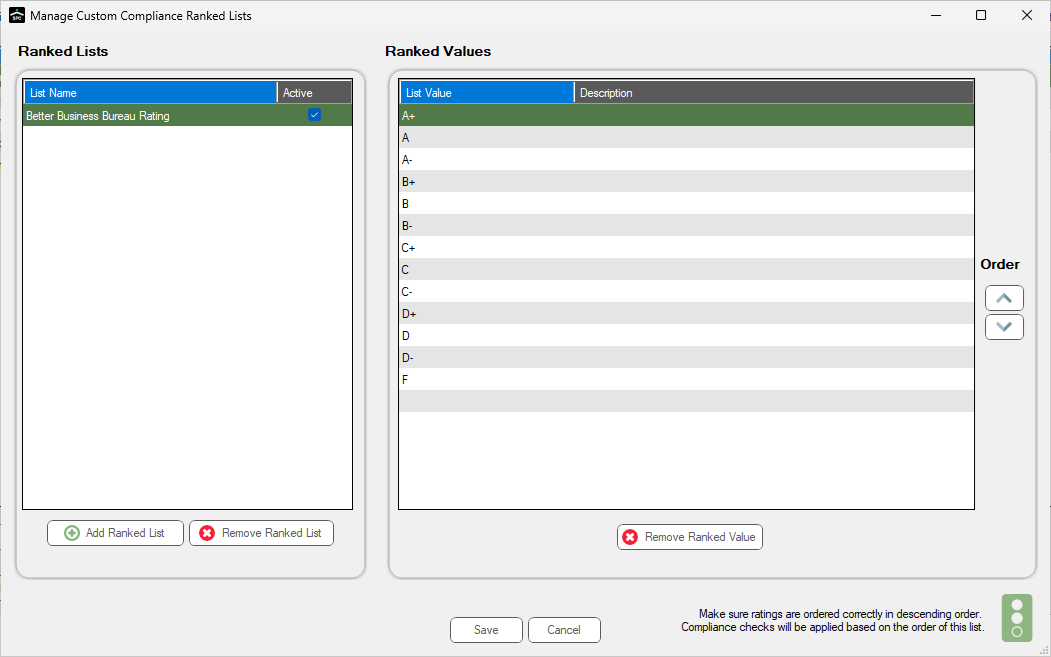
5.Click Add Ranked List.
The Ranked Lists pane updates with a new blank entry:
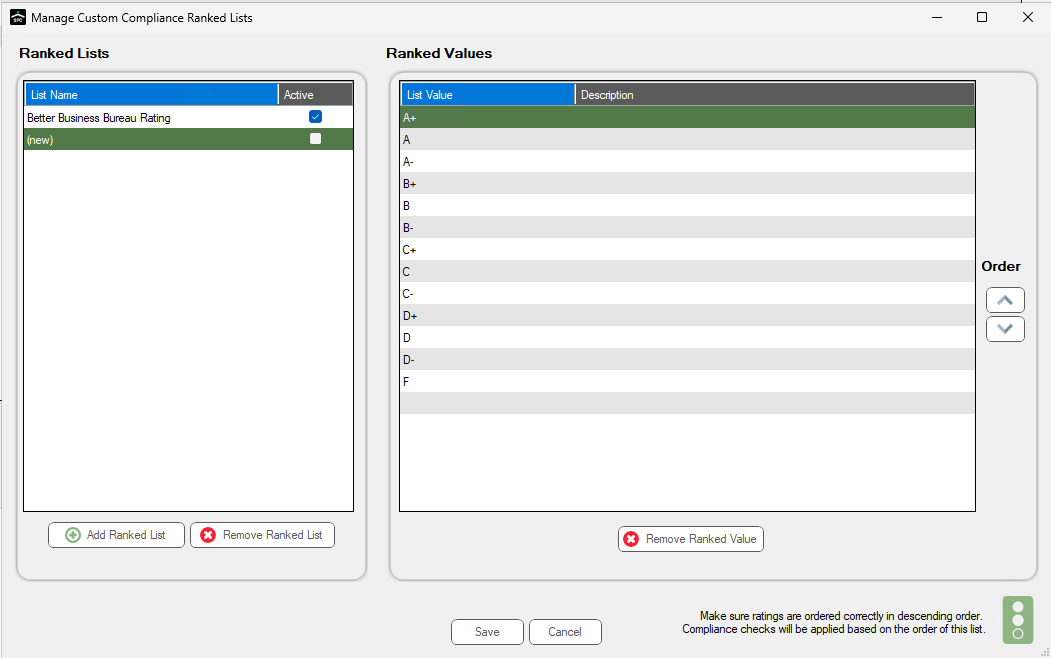
6.Be sure to click the adjacent Active checkmark.
7.Click Save.