1.When you exit the Configure Invoice Entry Fields [Admin Mode] and Manage AP Flow dialogs, click Invoice Entry.
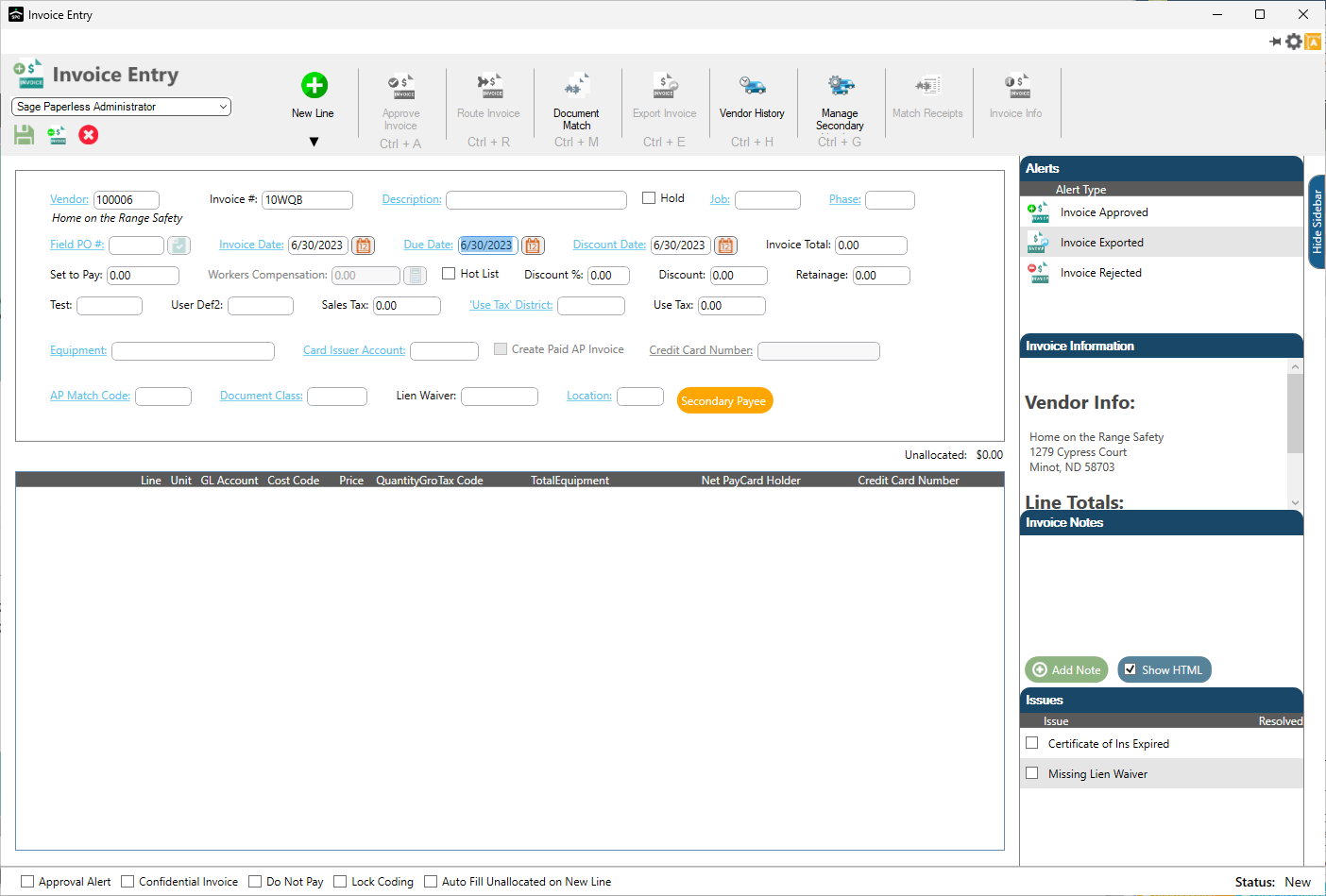
2.Go into an invoice and look for your custom field.
In this example, the custom field is Location.
3.Click the Location field lookup.
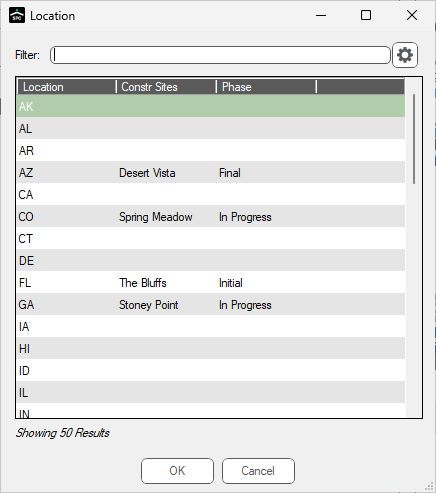
Note: This field lookup dialog is identical to the dialog when you click the Preview Lookup Data button on the Configure Invoice Entry Fields [Admin Mode] dialog.
4.Click to select the value from the list.
5.Click OK.
The Invoice Entry screen resembles the following with the description visible beneath the custom field:
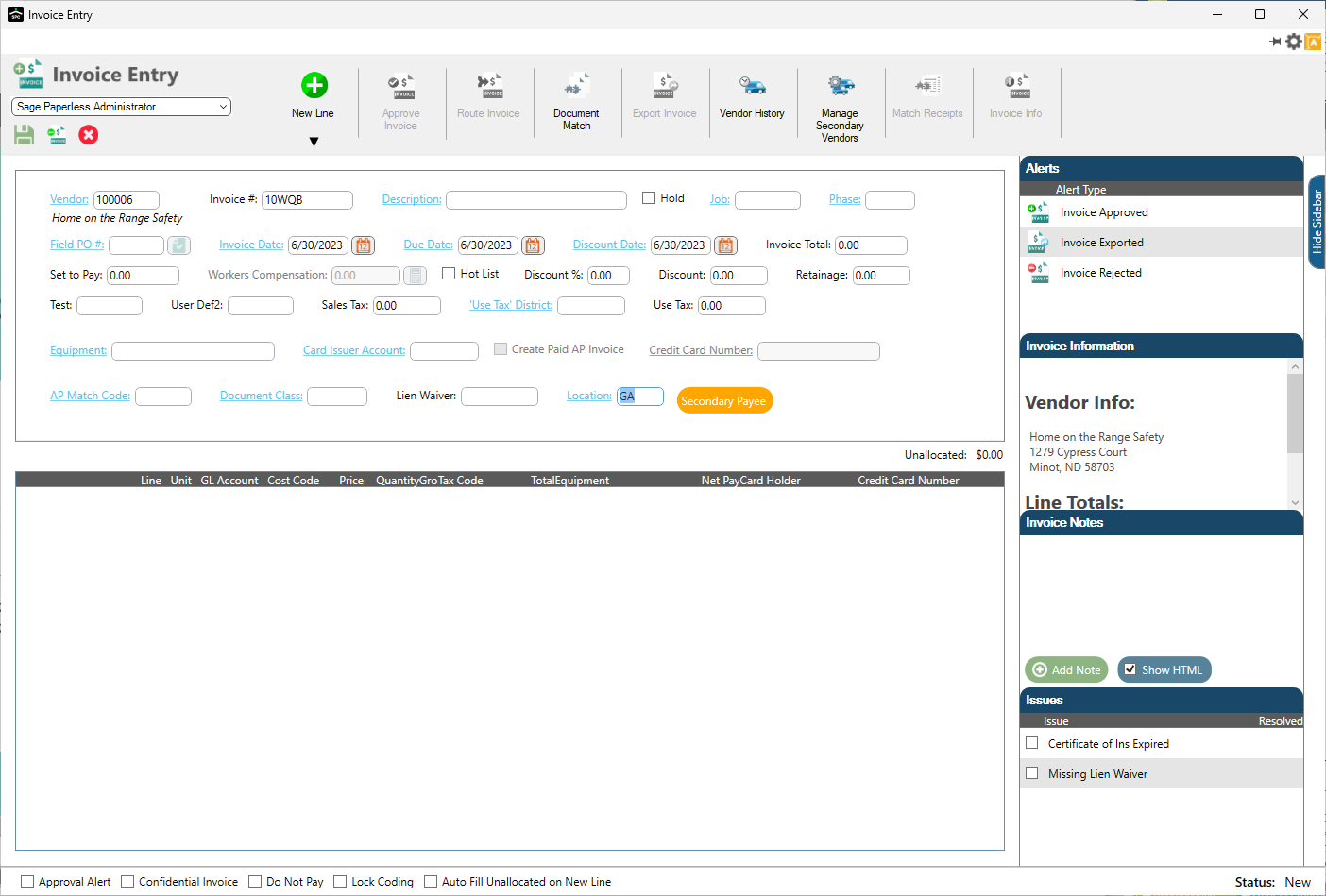
Note: This custom field description displays anywhere within Sage Paperless Construction--not just in Invoice Entry.