If DropBox is selected in the Source Type field dropdown, the Source Properties dialog resembles the following:
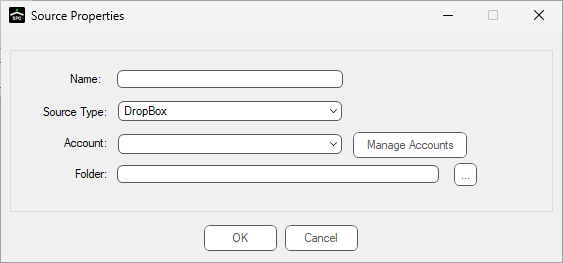
1.If the Name field is blank, enter a meaningful name.
2.In the Account field, use the dropdown to select the appropriate account.
Note: If an account needs to be added, edited, or removed, click Manage Accounts.
3.In the Folder field, click the ellipsis to browse for the correct folder.
4.Click OK.