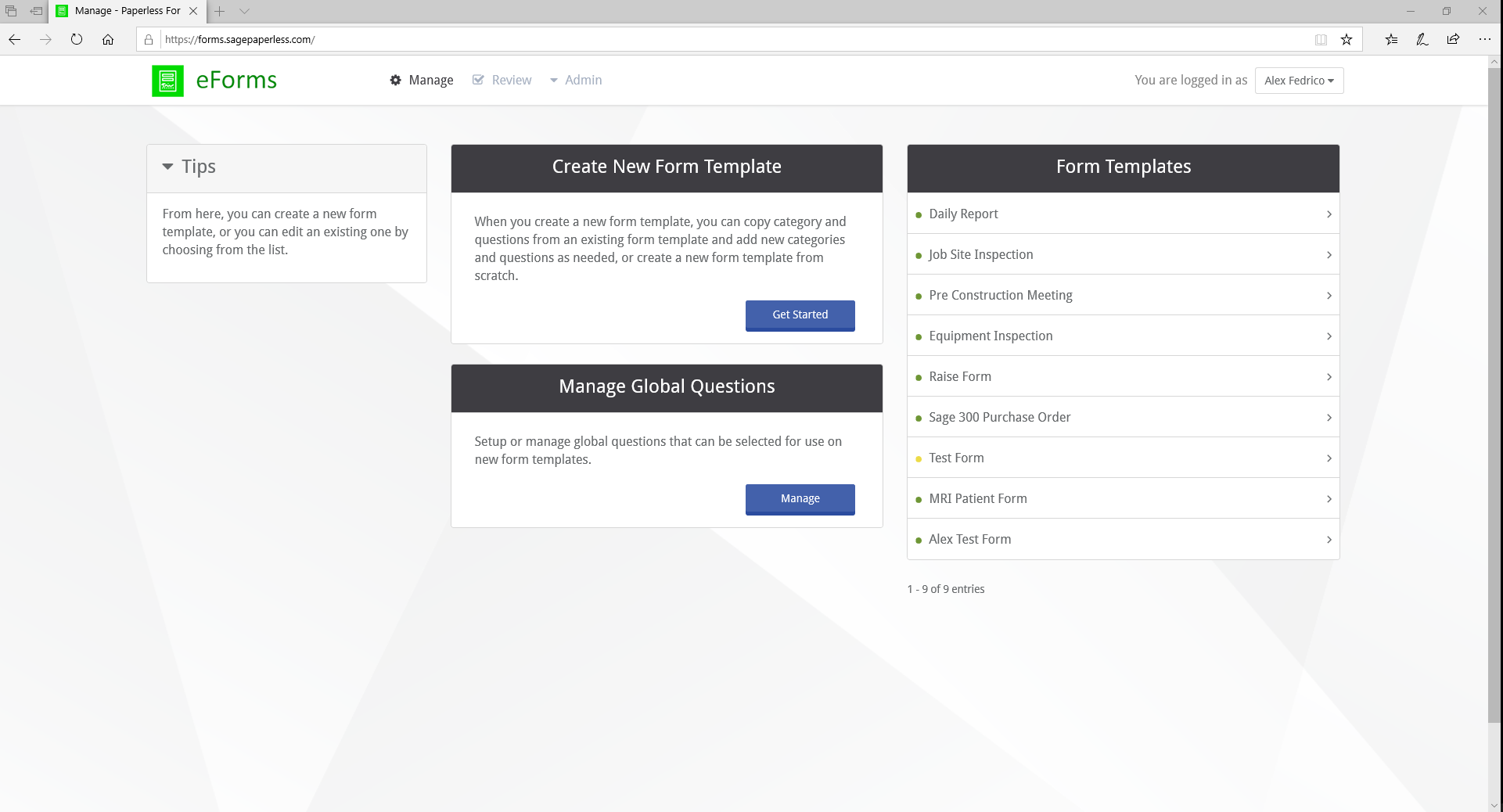
The eForms Administration Portal is a website portal where Administrators manage all aspects of eForms.
To access the administration website for eForms, navigate to https://forms.sagepaperless.com.
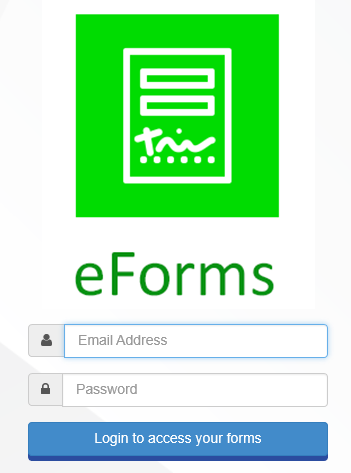
Log in with email address and password.
Note: For a username and password, contact the Network Administrator.
Navigation
As an eForms Administrator, customize a user’s login screen as well as the online and printed forms created through the following icons:
|
Create or customize forms templates. |
|
Review forms submitted by users. |
|
Create announcements, configure the look of the eForms or view a list of registered devices. |
|
Display list of forms that did not sync with a button to try re-syncing them. |