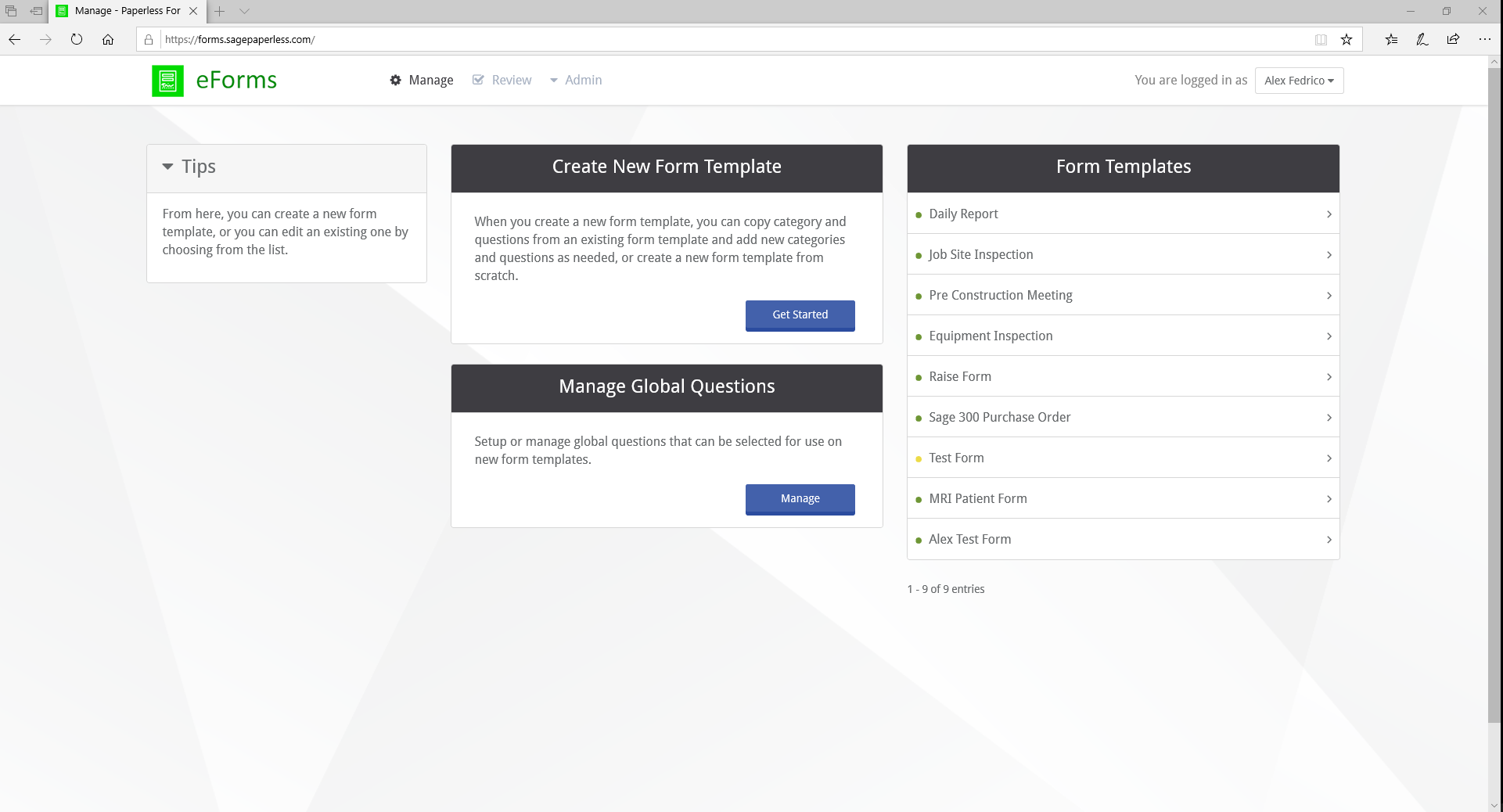
Click the Manage tab to open the Manage screen. This dialog also displays by default when logging into the eForms application. The Manage screen is divided into three sections:
•Create new templates. Create New Form Template
•Manage global fields. Manage Global Fields
•Customize existing templates. Edit a Template