Access
In addition to the access steps detailed below, the Invoice Entry screen can be accessed through Invoice Manager and Approve Invoices.
Note: Edit Invoice is only enabled if the Reviewer has processor rights.
1.From the ribbon toolbar, click APFlow™.
2.Click Invoice Entry.
The APFlow sidebar similar to the following displays on the right of the main viewer dialog.
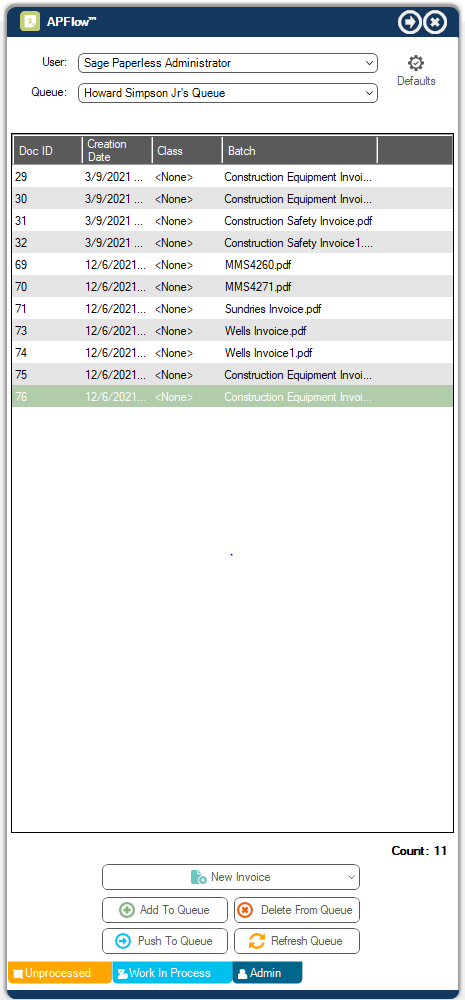
Note: For more information on the APFlow sidebar, click here.
3.From the APFlow sidebar, click New Invoice.
The Invoice Entry screen similar to the following displays:
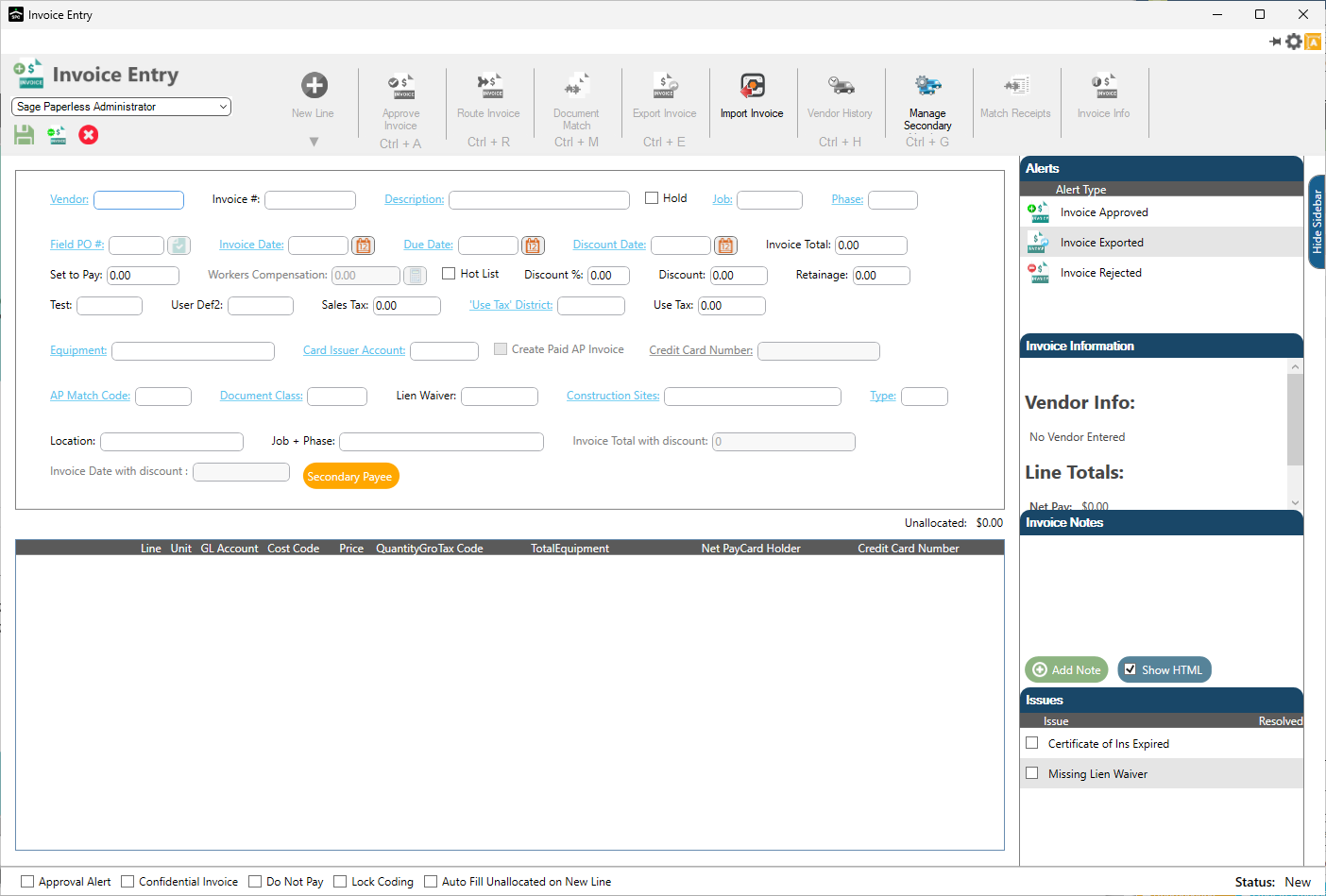
Note: A sidebar displays to the right of the Invoice Entry screen for Alerts, Invoice Information, Invoice Notes, Issues and Line Notes. (See Invoice Entry Sidebar.)