Go here to manage different aspects of the document routing process.
1.From the ribbon toolbar, click DocRoute™.
2.Click Manage DocRoute.
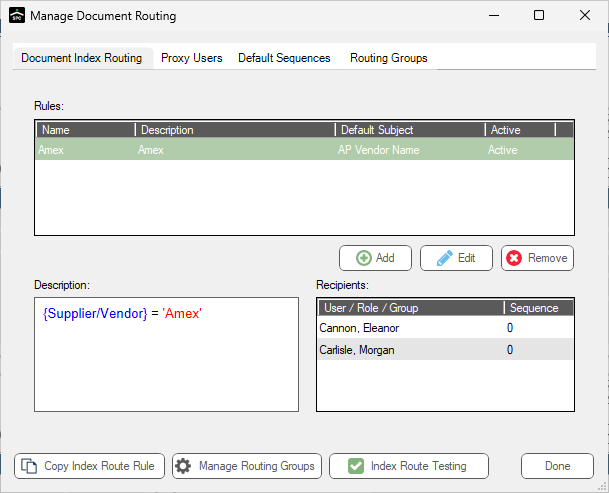
The Manage Document Routing dialog similar to the following displays with the Document Index Routing tab active:
Document Index Routing
This is where you can add, edit or remove index routing rules.
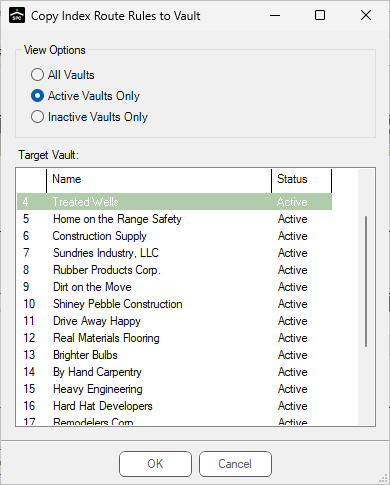
Click this button to access the Copy Index Route Rules to Vault dialog:
This is where you can copy the index routing rule to the same vault or to a different vault. For more information, click here. |
|
Manage Routing Groups |
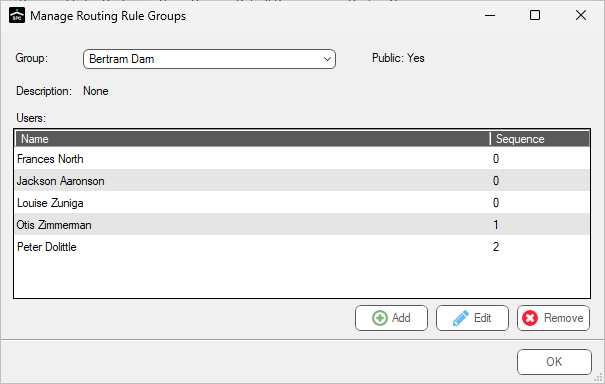
Click this button to access the Manage Routing Rule Groups dialog:
This is where you can add, edit or remove users from specific routing groups. |
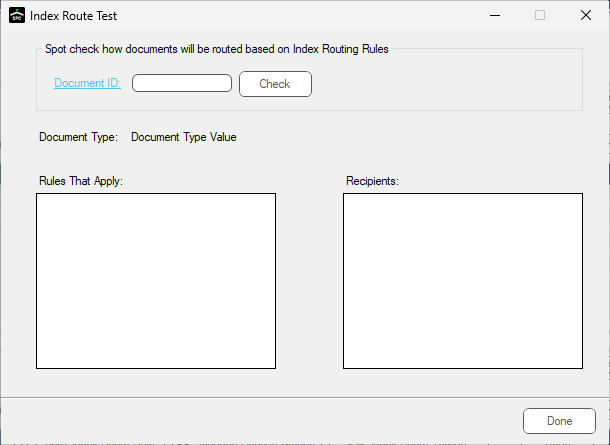
Click this button to verify that you have the proper routing rules selected and verify that the individuals to whom you expect to receive the routed document are identified.
Use the Document ID field lookup to select the document and then click Check. |
1.Click the Proxy Users tab.
A dialog similar to the following displays:
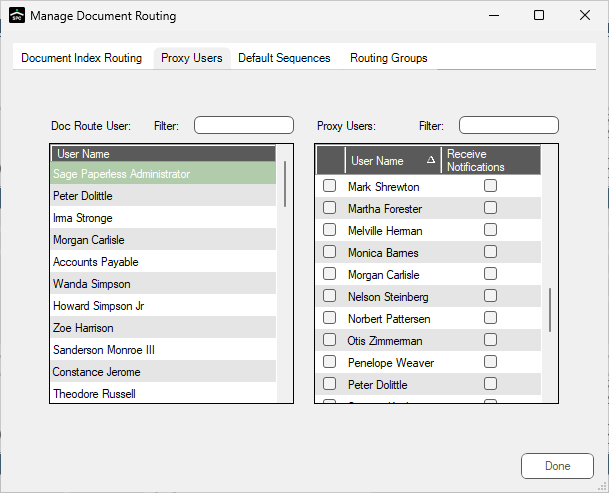
2.Use this dialog to match up users with their proxy users.
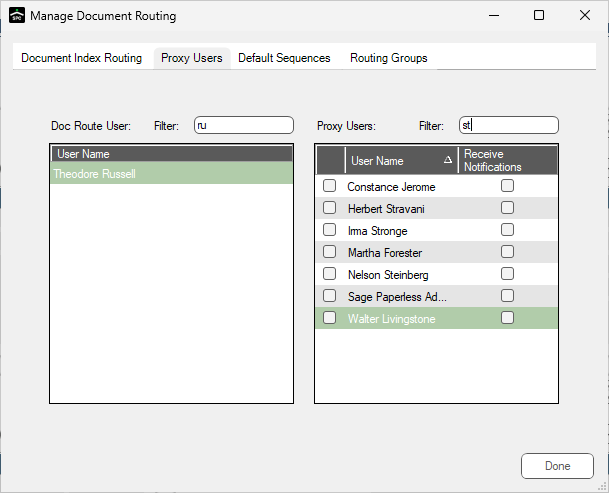
Filter fields are available to narrow your search similar to the following:
1.Click the Default Sequences tab.
A dialog similar to the following displays:
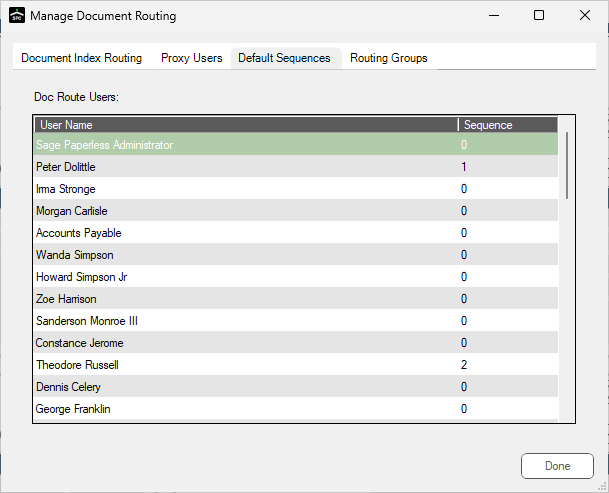
2.Use the dialog to change user document routing sequence default settings.
1.Click the Routing Groups tab.
A dialog similar to the following displays:
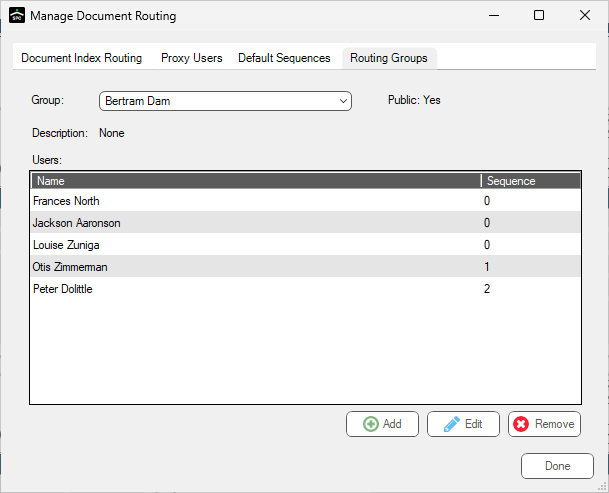
Go here to to add, modify or remove routing groups.
2.If you click Add or Edit, the following dialog displays:
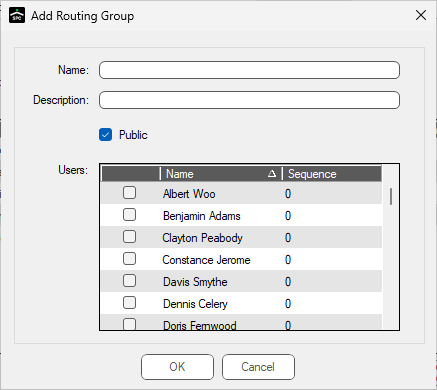
3.Name your new group and select the users.
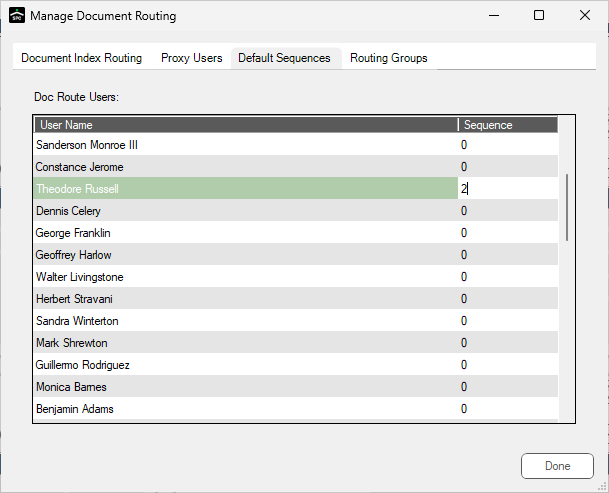
Note: You can make changes to user document routing sequence numbers