Dashboard
|
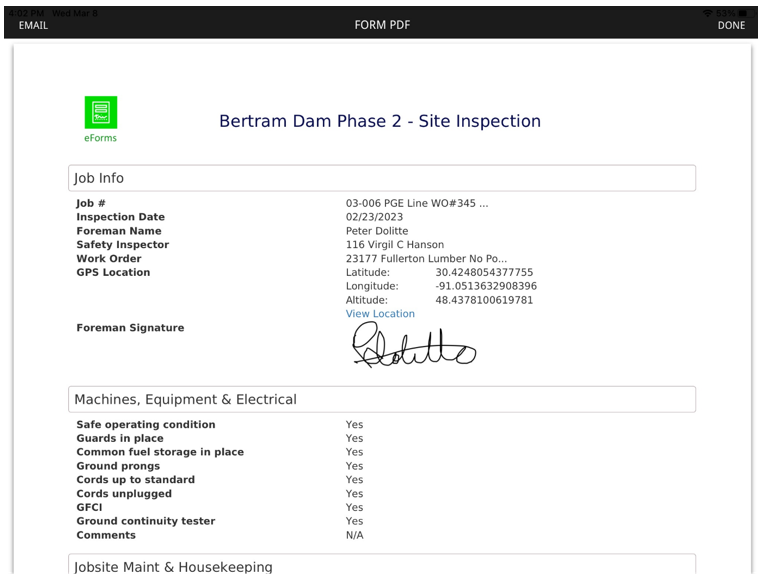
Click on this pdf icon to generate a pdf version of the form to email:
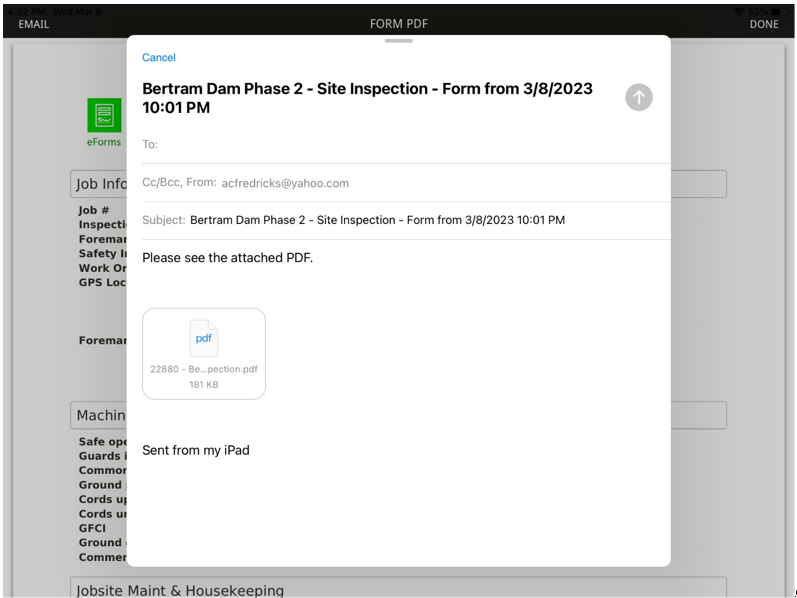
Click EMAIL (located in the upper left corner of the screen). The actual email resembles the following:
|
|
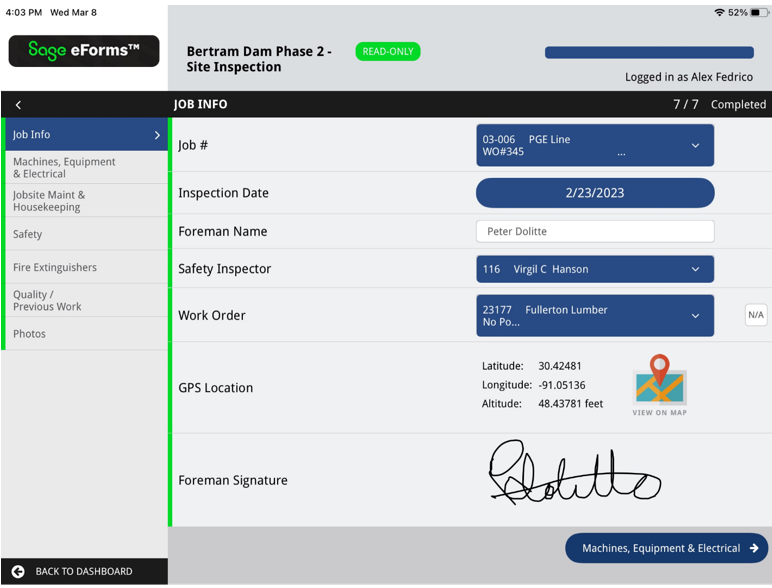
Click this to open a read-only version of the form similar to the following:
|
|
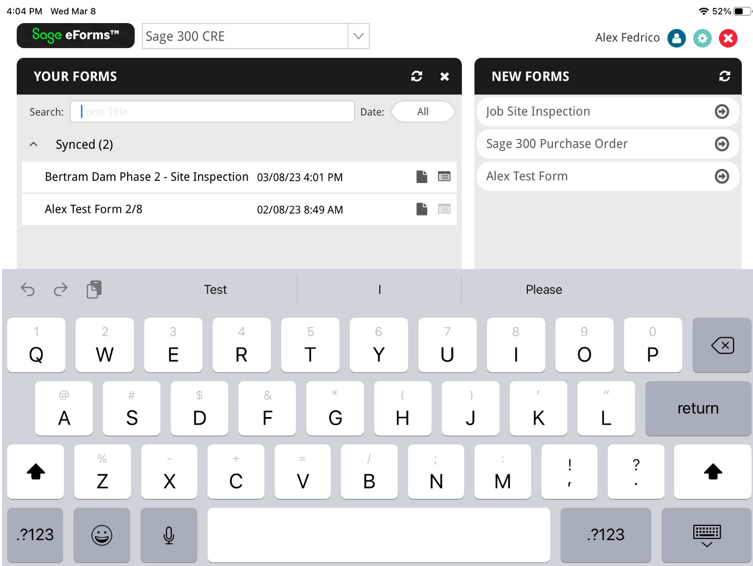
Click this to open a search dialog. You can search by title and/or by date.
|



Form
|
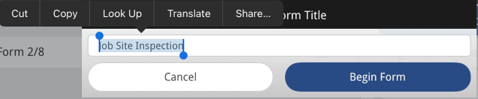
Click this edit icon, located next to the form title, if you want to edit the current form title. When you click the icon, and you are just beginning to work on a form, a dialog similar to the following displays:
|