Use the date entered in the Estimated Completed Operations Date field for reference in determining when a job is expected to be done and the job status can be updated to Completed Operations.
Greenlight CM™ does not automatically set a job to a Completed Operations status; the Estimated Completed Operations Date field is used in reports to help you prepare jobs for completed operations requirements.
1.From the ribbon toolbar, click Greenlight.
2.Click Greenlight.
The main screen displays with the Dashboard tab active:
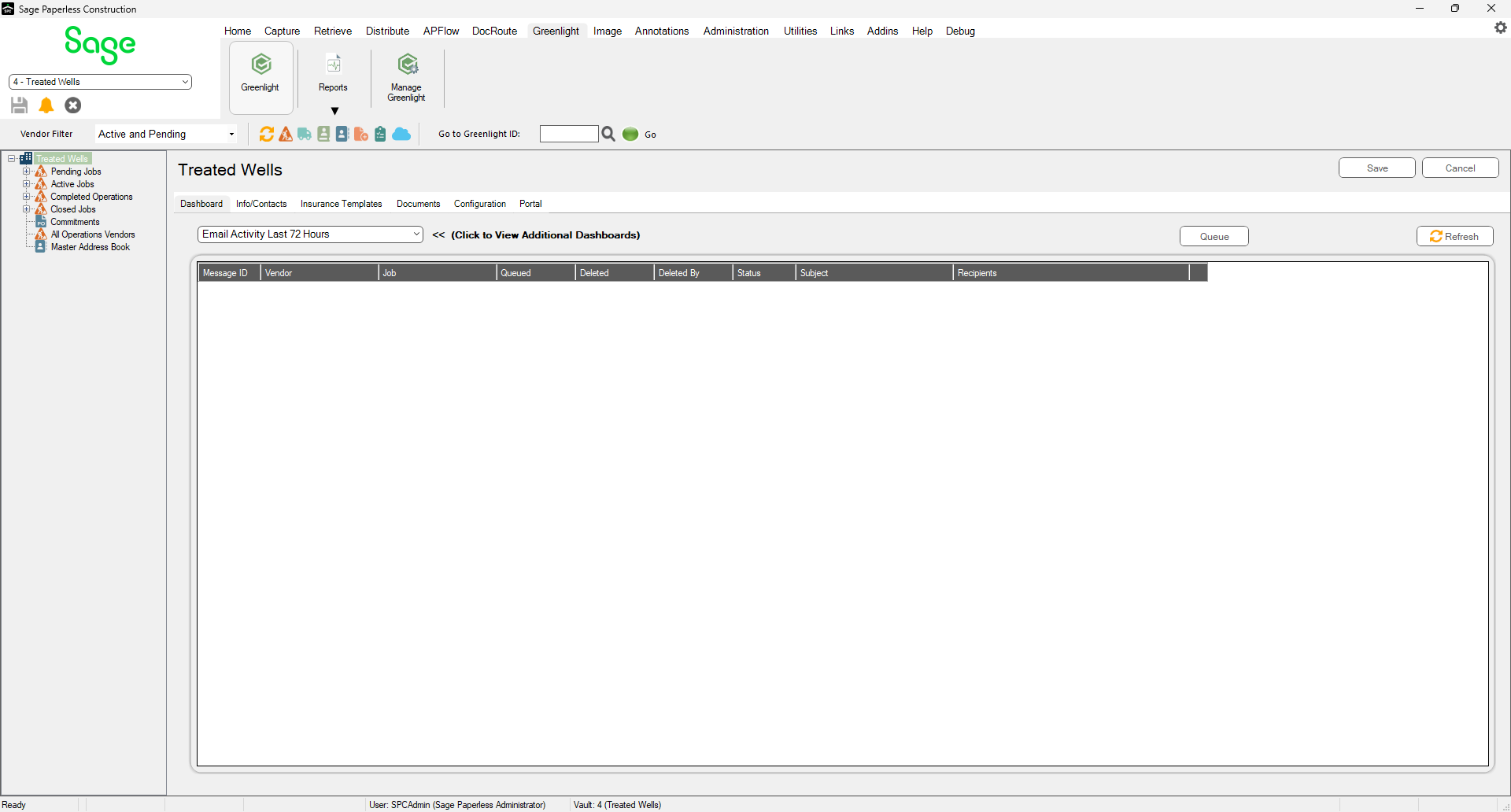
3.In the left navigation bar, click on a job.
The following screen displays with the Job Info tab active:
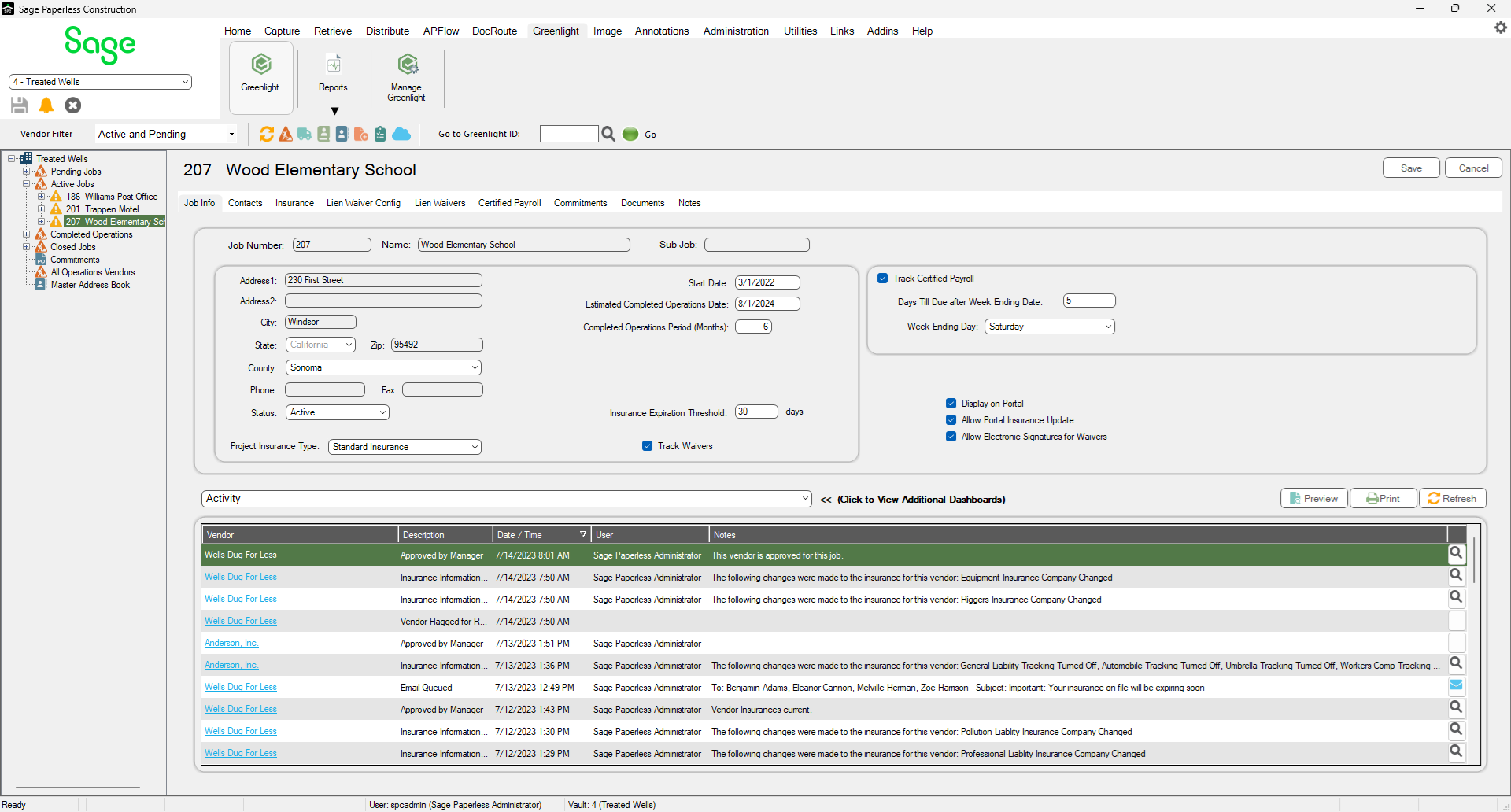

4.In the Estimated Completed Operations Date field, enter the appropriate date.
5.Click Save.