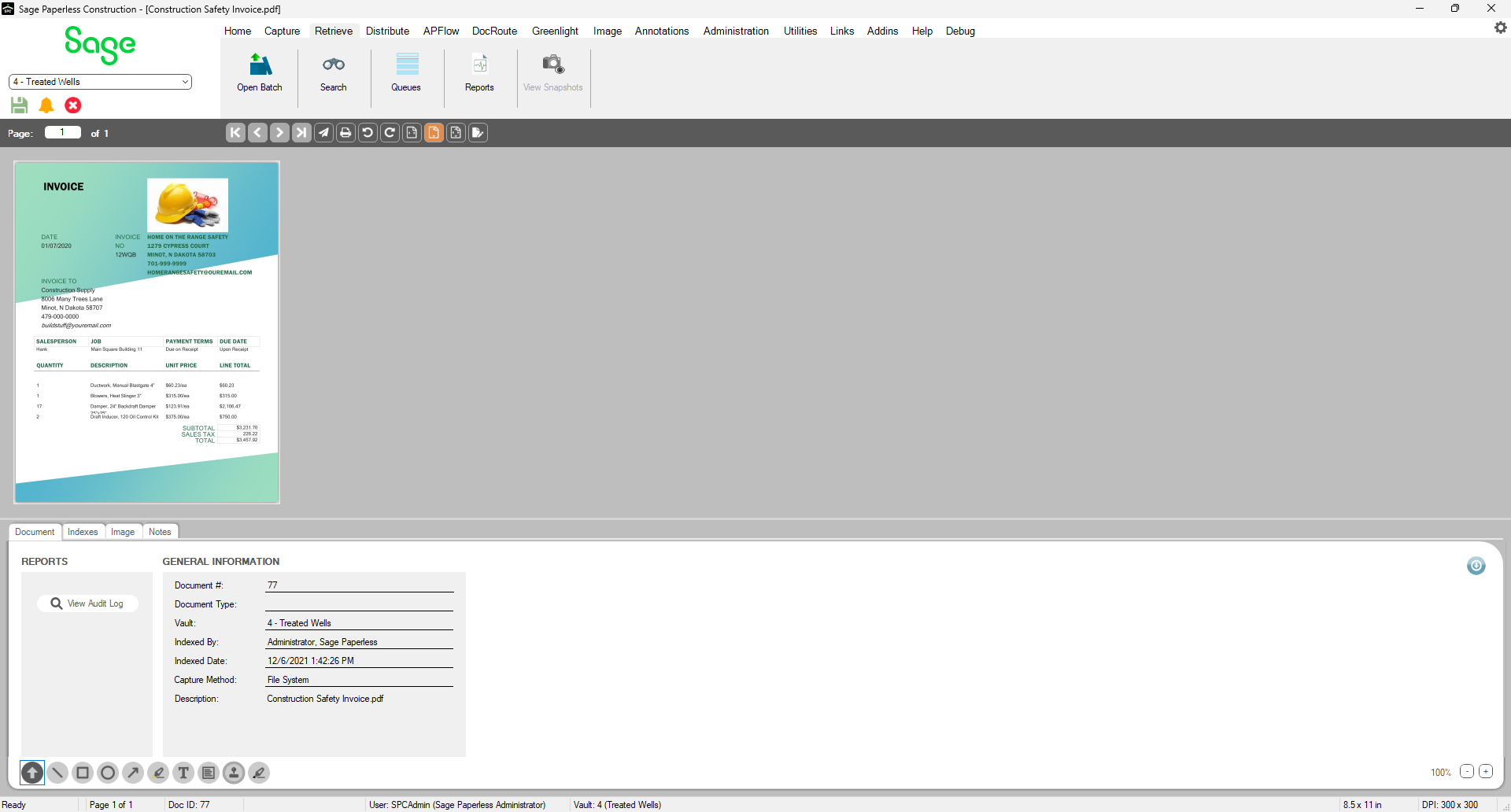
The Sage Paperless Construction Desktop contains a Viewer dialog, specifically the Sage Paperless Construction Imaging System screen, where all of the documents accessed by Sage Paperless Construction display.
Read more about the different parts of the Sage Paperless Construction Viewer dialog:
Note: You can click Ctrl+N to launch the Index dialog from any viewer when the Index icon is active and a document is open in the Viewer dialog.
If you do not have permission to index or you are in a mini viewer (Print, Email, Save to File), you are not able to launch the Index dialog.