1.From the ribbon toolbar, click Capture.
2.Click Importer,  .
.
A Document Importer window similar to the following displays:
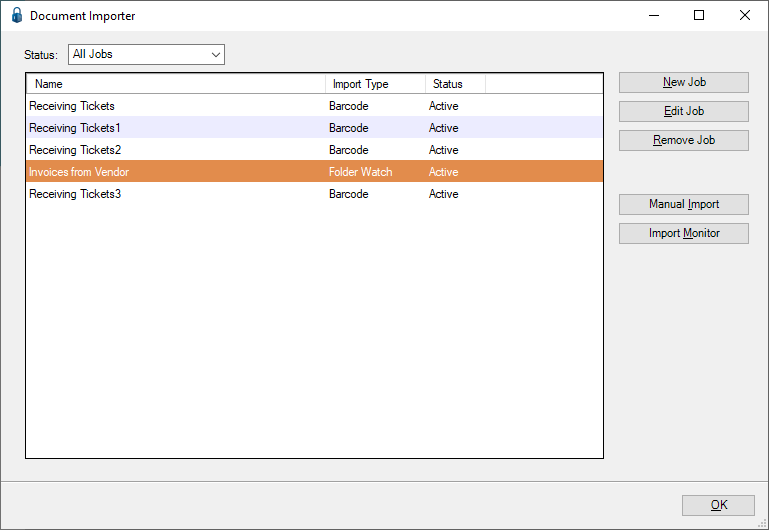
This window lists any import job templates previously set up.
3.To set up a new template, click New Job.
An Import Type window similar to the following displays:
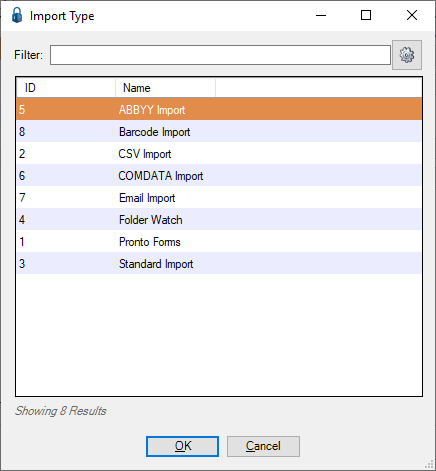
4.Click to select the desired import type.
5.Click OK.
Read about the different Import Types.
• Click here for the CSV Import.
• Click here for the Folder Watch.
• Click here for the Email Import.
• Click here for the Standard Import.
• Click here for the Barcode Import.