You are logged into pVault®. The ribbon toolbar displays with the Home tab active.
1.After clicking the Indexer icon, click the Document Info icon,  .
.
The Document Information dialog with the Document tab active displays:
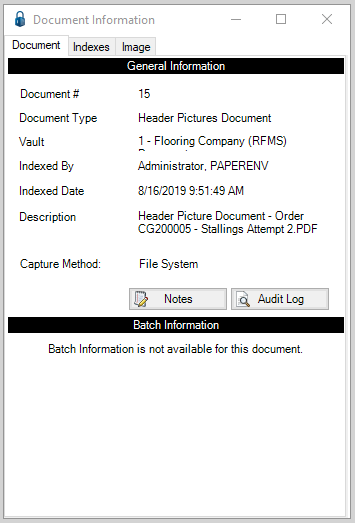
2.Review the General Information pane.
3.Click the Indexes tab.
The Document Information dialog with the Indexes tab active displays:
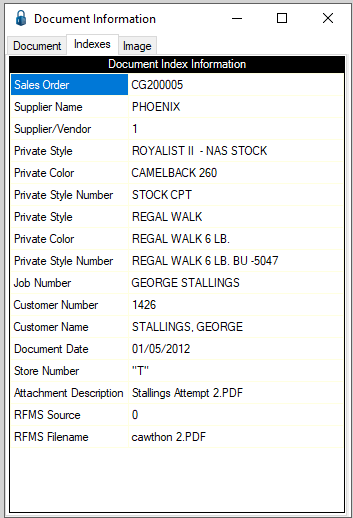
4.Review the index values detailed here.
5.Click the Image tab.
The Document Information dialog with the Image tab active displays:
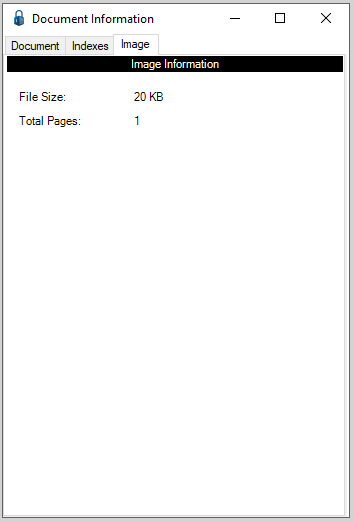
6.Review the file size and number of pages in the document here.
7.Click the X in the upper right corner of the dialog.
8.If no changes are needed on the Index Document dialog, click Done.