1.To access the LOTO Details report, click Generate.
The following dialog displays:
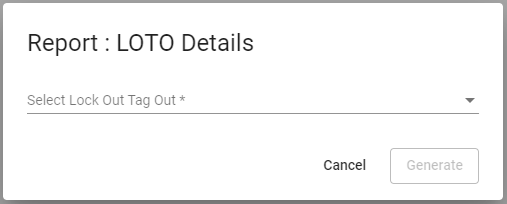
2.In the Select Lock Out Tag Out field, use the dropdown to select the LOTO details of a specific job that is covered in this report.
The completed dialog should resemble the following:
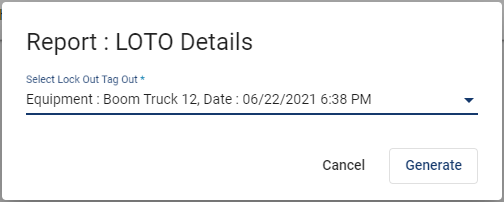
3.Click Generate.
The following .pdf similar to the following displays in the bottom left corner of the screen:
4.Click Open file.
The report based on the entered parameters displays:
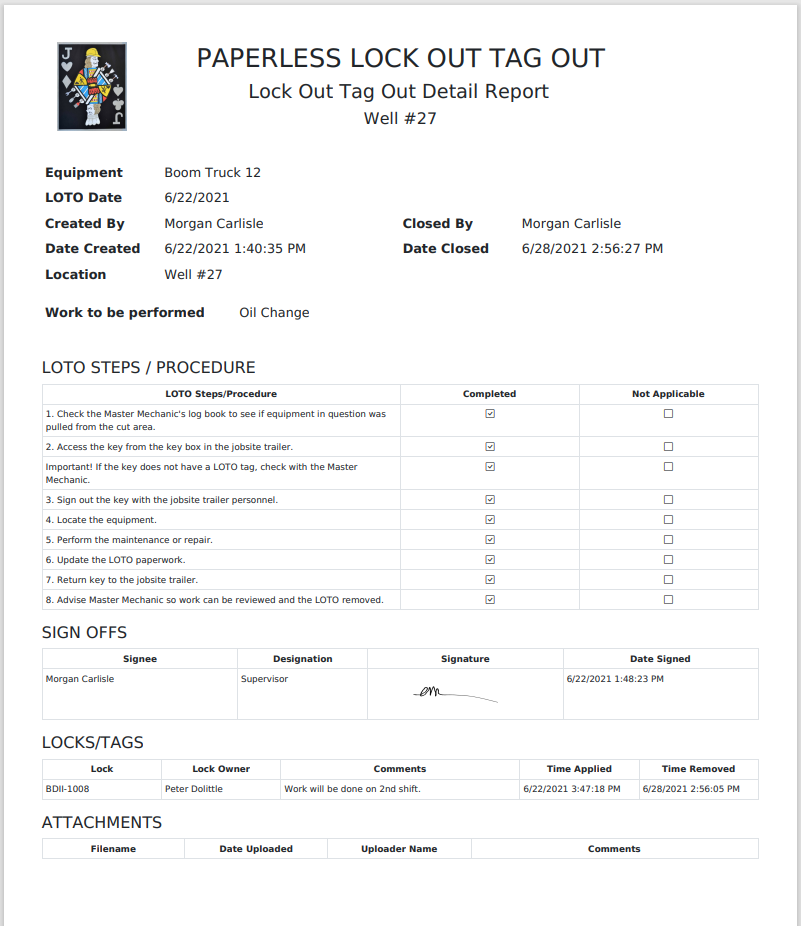
Note: If you do not have an image associated with your report, a small red x in a box displays in the upper left corner where the image would display.