In this wizard dialog you select the reports which the assigned individuals in this security group have permission to run.
The fourth Create Security Group wizard dialog similar to the following displays:
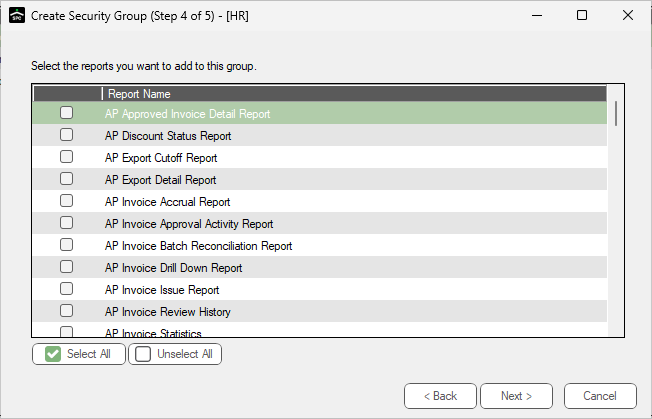
1.Click to select the Sage Paperless Construction reports which this group has permission to run.
Note: If all listed individuals should be assigned to this security group, click Select All.
2.Click Next. For the next wizard dialog details, click here.