In this wizard dialog you select those individuals who are assigned in this web security group.
The third Create Web Security Group wizard dialog similar to the following displays:
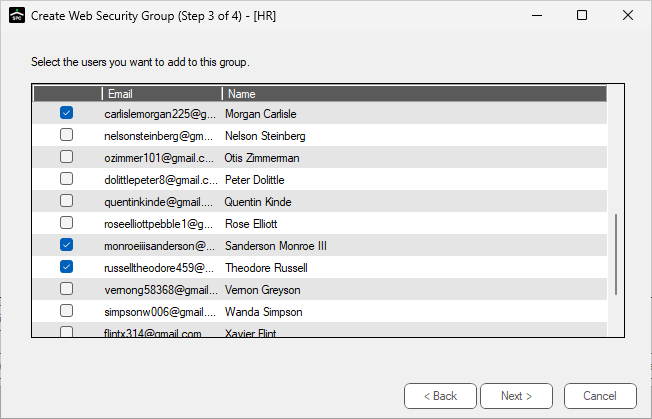
1.Click the appropriate check boxes to select those Sage Paperless Construction users who should belong to this new security group.
If no users display in this dialog from which to select, they must be added in the Web Users Accounts. Click here for details.
2.Click Next. For the next wizard dialog details, click here.