This wizard dialog provides a summary of all the selections made in the previous three Create Web Security Group wizard dialogs.
The fourth Create Web Security Group wizard dialog similar to the following displays:
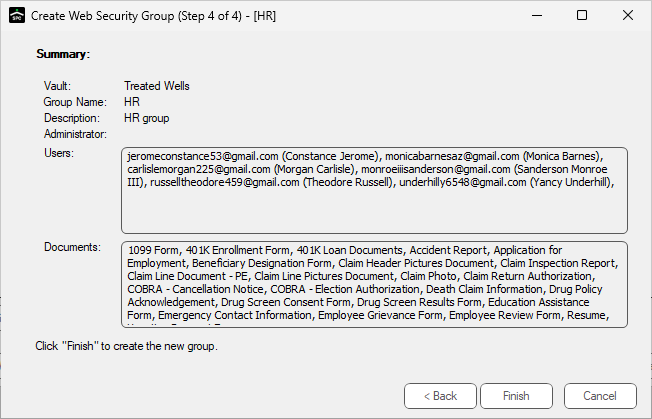
1.Make sure that the identified Vault, Group Name and the Administrator selection are accurate.
2.Read through the Users to verify the individuals are correct.
Note: If any of the information is incorrect, click Back and revise the information accordingly.
3.Once the information on this screen is correct, click Finish to return to the Vault Properties dialog with the Web Security Groups tab active.
A dialog similar to the following may display:
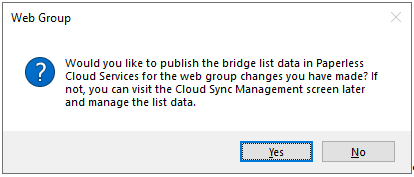
4.Click Yes or No as appropriate.
The new group displays, similar to the following:
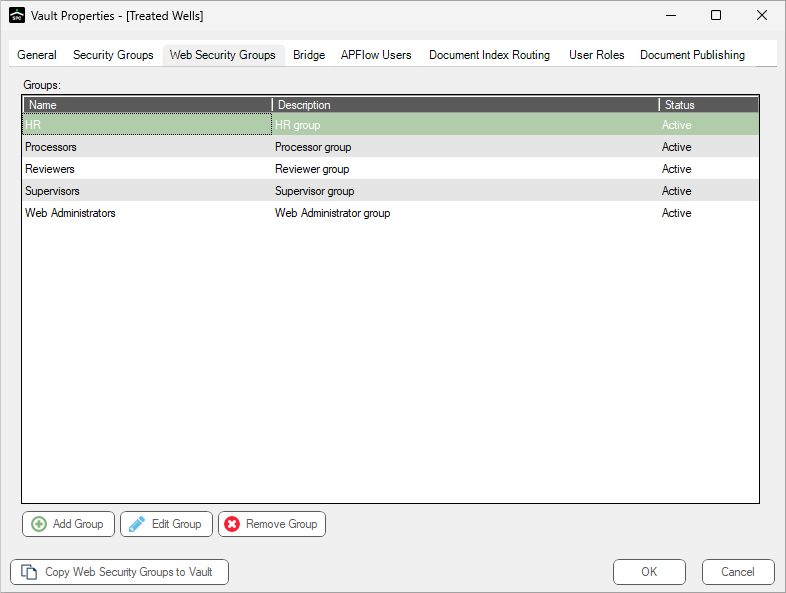
5.Click OK.