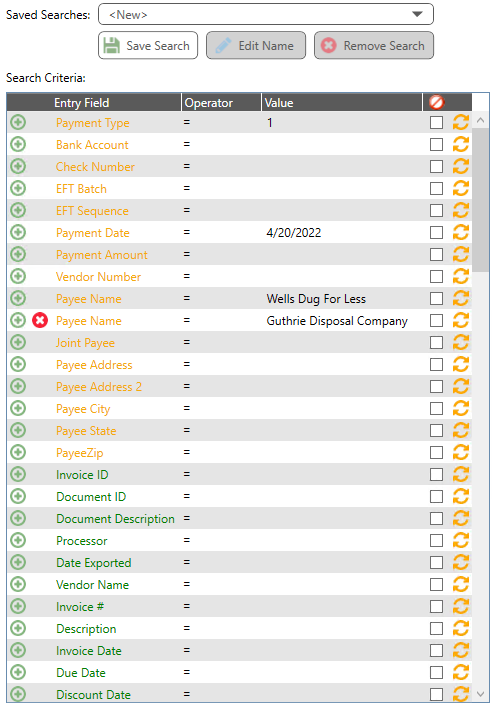
Click Search. The results displays in the Search Results pane.
The search may also be performed by clicking the Search toolbar icon, or using the hot key, such as Ctrl+S.
To remove all search criteria at any time, before or after clicking the Search button or toolbar icon, click Clear Search.