1.Click the Edit  icon.
icon.
The current report scheduling information displays.
2.Make necessary changes to the scheduled report's naming, report parameters or frequency.
3.(Optional) Add, edit or delete recipients.
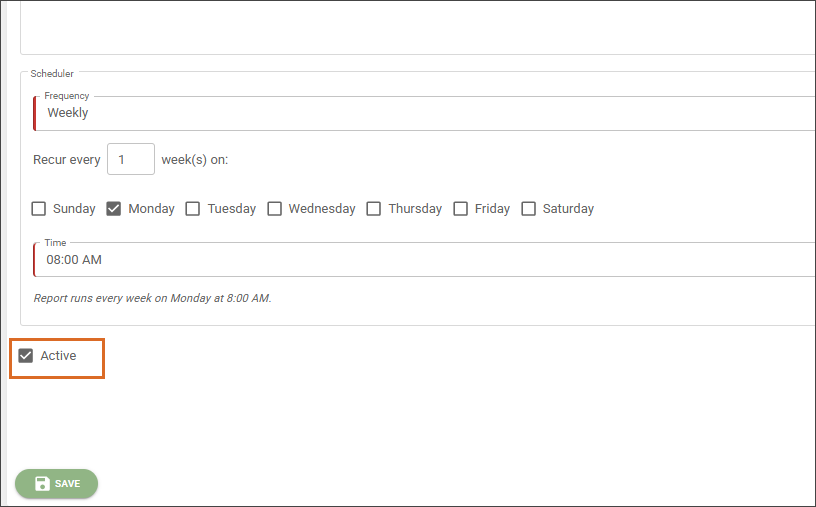
4.(Optional) If you want to inactivate a scheduled report and stop receiving automated emails, select the Active check box to change the report's status to Inactive.
5.Click Save.